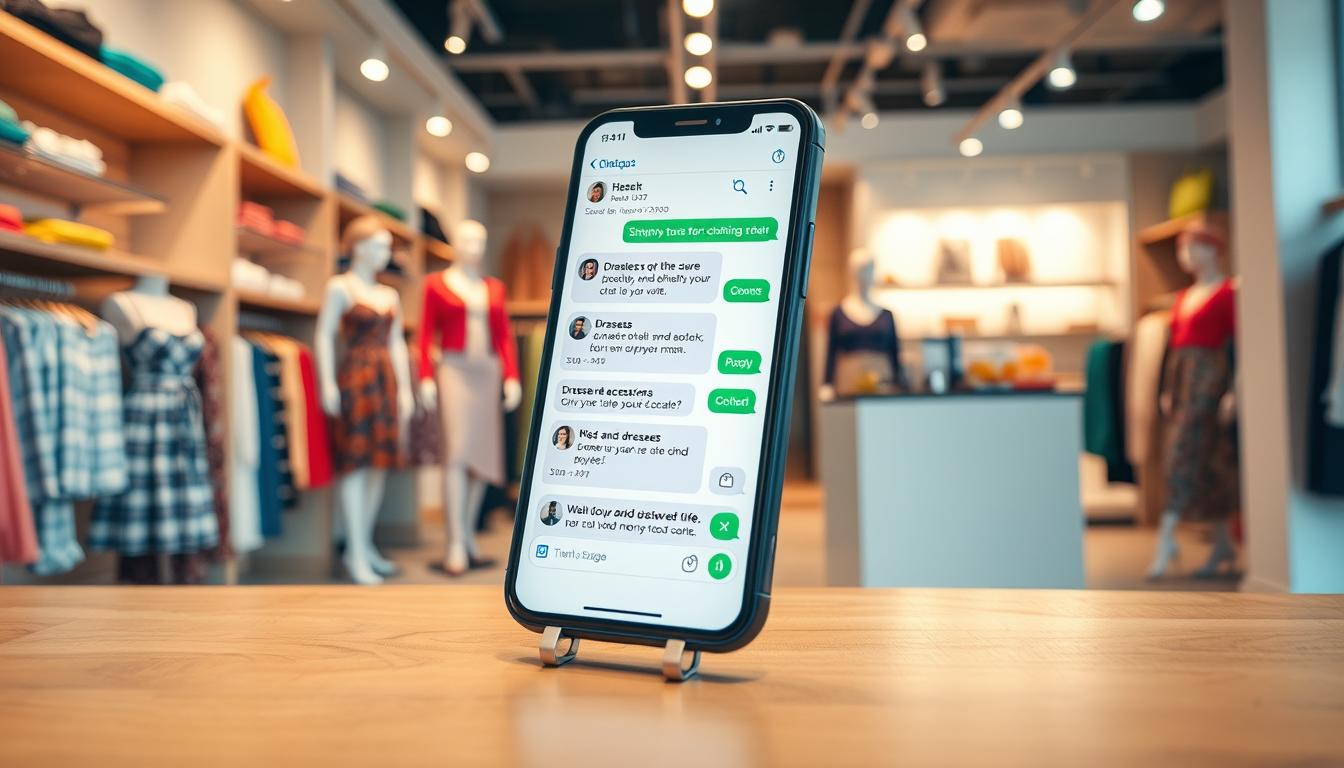
This guide shows a practical, repeatable workflow called the ChatGPT WhatsApp store. It explains how to run an end-to-end reply process inside WhatsApp so agents can draft fast, brand‑consistent replies for customer support, sales, and post-purchase messaging.
The audience is US-based teams who use WhatsApp for customer questions and follow-up. This is a hands-on how-to you can apply today on a work device and in a support queue.
We cover why this helps, how to access and set up the integration, and a day-to-day reply workflow. You will also see which features improve speed and consistency across agents.
Important: AI speeds drafting but does not replace human checks. Minimize sensitive data shared with the model and use available controls for privacy and retention.
Key Takeaways
- Follow a repeatable workflow to keep replies on brand and fast.
- Set up the integration now and test it on a work device.
- Use AI for drafting, then verify facts before sending.
- Limit sensitive customer data and enable retention controls.
- Expect more consistent replies across users and agents.
Why Use ChatGPT in WhatsApp for Customer Messaging
Speed and clarity matter for mobile customer support. Short, context-rich conversations on messaging channels make AI-assisted drafting a practical way to cut reply time without losing brand tone.
Faster replies, human final check
Drafting with AI reduces peak-hour delays. Agents get a polished reply quickly, then personalize and approve before sending. This keeps customers moving and lets humans control sensitive details.
Keep a stable brand voice
Feed a short voice guide—tone, do/don’t phrases, escalation rules—so replies stay consistent. Standardized templates and quick edits prevent wide swings between agents.
Better consistency across chats
Consistency helps when multiple reps handle the same contact. Use uniform greetings, policy language, troubleshooting steps, and closers to reduce confusion.
Common use cases and limits
- Order status, shipping windows, returns, appointment confirmations, product compatibility, quick troubleshooting.
- Not ideal for complex disputes, high-risk compliance, or deep account verification—escalate those to a human.
Track simple KPIs such as first response time, time-to-resolution, and re-open rate, while monitoring satisfaction and message quality.
Ways to Access ChatGPT Inside WhatsApp Right Now
There are four practical ways teams can bring AI drafting into their messaging workflow today.
Official contact via a US number
Operationally, the AI shows up as a normal contact and number, so agents can draft in the same inbox they use for customers.
Linking your account for synced conversations
Linking an account from the chat header syncs conversations to the AI product history. Paid users may get higher limits and smarter models.
WhatsApp Web + Chrome extension
The Chrome extension for WhatsApp Web speeds sharing of generated replies. It uses GPT-3.5-based generation, so review functionality and data handling before deployment.
Third-party assistants (example: Zapia AI)
Third-party options can support audio and images without requiring an account. Confirm security, regional coverage, and privacy before using customer data.
| Access Path | Pros | Cons |
|---|---|---|
| Official contact (US number) | Native messaging flow, easy to add | Free access slated to change by Jan 15, 2026 |
| Linked account | Conversation sync, higher limits for paid users | Requires account linking; data retention applies |
| Web + Chrome extension | Fast sharing on desktop, convenient | Review extension security and privacy |
| Third-party assistant | Feature-rich (audio/images) | Varying security posture; vendor due diligence needed |
Planning note: OpenAI will remove free in-app access on January 15, 2026 due to a Meta policy change. Teams should factor this policy date into budgets, tooling choices, and process docs.
Tip: Keep internal AI drafts separate from customer-facing chats to avoid accidental sends when multiple users share an app or device.
Set Up ChatGPT as a Contact and Start a Customer-Reply Chat
Start by adding a dedicated contact that agents will use only for drafting replies. Create a new contact and enter the full number with the US country code: +1 1-800-242-8478. Save it with a clear name like “ChatGPT (Draft Replies).”
Why the country code matters: Including +1 ensures the phone number registers correctly and avoids format errors that prevent sending or saving the contact.
- Pin the contact so the thread stays at the top for quick daily access.
- Link your account from the chat header to sync conversation history (optional, unlocks higher limits for paid users).
- Keep the drafting contact separate; copy the final reply into the customer chat to avoid accidental sends.
Chat settings to standardize
Standardize notifications, chat lock, and wallpaper to prevent accidental sharing and to visually mark the draft thread. Decide whether images save to the device—disabling saves reduces storage and accidental exposure on shared phones.
| Action | Why it matters | Recommended setting |
|---|---|---|
| Add contact +1 1-800-242-8478 | Ensures correct recognition and access | Save as “ChatGPT (Draft Replies)” |
| Pin thread | Speeds daily workflow | Pinned at top |
| Link account | Syncs conversation data and history | Optional—link for continuity |
| Images save | Storage, privacy, shared phone risk | Disable on shared devices |
ChatGPT WhatsApp store Workflow for Writing Customer Replies
Start each reply workflow by capturing a few key facts. Collect the customer’s goal, order or reference number, product name and variant, relevant dates, steps already tried, and the exact outcome the customer wants.

Prompt templates for quick replies
Use short, scannable prompts that ask for two options: a brief reply and a detailed reply. Include the required policy language and a one-line question when you need more info.
Policy-safe drafting and edits
Ask the model to produce both a short and a detailed version that follow return, warranty, or shipping wording. Then remove over-apologies and avoid absolute promises so messages match your service SLAs.
Multilingual support and summaries
For Spanish chats, translate and polish while preserving model numbers, addresses, and other critical data. When a thread is long, paste the conversation (redacting PII) and request a bullet summary, the customer intent, and the likely resolution path to save time and reduce errors.
Escalation and handoff
Escalate when requests exceed policy, involve threats, legal claims, chargebacks, or identity checks. Hand off with a clean note: summary, key facts, what you tried, and the recommended next step. Maintain a lightweight internal reply library of approved prompts and best replies for faster, consistent help.
Using Advanced Features in WhatsApp Chats
Agents can treat the in-chat assistant like a quick internal search tool for drafting answers and troubleshooting steps during live conversations.
Search-like questions inside the thread
Ask concise prompts to summarize long messages, draft a short reply, or pull troubleshooting steps without switching apps. This keeps context in one place and speeds response time.
Validate web lookups to avoid bad results
Web lookups can help, but validate them. Ask the model for sources, cross-check key facts, and never rely on a single result for pricing, policy, or compliance.
- Request citations for web claims.
- Cross-check critical facts against internal docs.
- Avoid using web results as the sole authority on legal or billing issues.
Use photos to get visual help
Tap the camera icon to send customer photos of packaging, labels, error screens, or tags. The assistant can identify visible issues and suggest follow-up questions.
Handle sensitive images carefully: do not request IDs or payment photos via chat. Follow internal privacy rules before sending any customer image to the assistant.
Generate images when visuals help
Use text prompts to create simple how-to diagrams, comparison visuals, or mockups for customer education. Generated outputs may take several minutes, and the assistant may send a “working on it” notice.
Always review images for brand fit and accuracy before sharing with a customer.
Tip: Treat advanced features as helpers, not final answers. Verify anything that affects money, safety, or commitments to ensure reliable functionality and trustworthy results.
Privacy, Data, and Account Controls for Customer Service Use
Protecting customer information starts with clear account controls and simple daily rules. Decide whether linking an account is worth the convenience of synced conversation history versus broader retention of customer data outside the chat app.
What linking changes about syncing and retention
Linking syncs chats into the linked account and can preserve history if done before policy changes. That continuity helps handoffs but increases where conversations and derivatives live.
Exporting and deleting conversations
Export only when allowed for audit or training. Delete chats promptly to follow internal retention rules.
Removing the drafting contact and account deletion steps
Deleting the contact on the phone does not always remove synced threads from the linked account. If chats were linked, delete both locations to fully remove content.
Device and notification safeguards
- Minimize data: include only what’s needed to draft a reply; redact addresses and payment details.
- Use chat lock, mute notifications, and disable auto-save for images on shared phones.
- Enforce strong passcodes or biometrics and limited access on support devices.
For full privacy policies and handling rules, review our privacy page.
Conclusion
Using an in-thread assistant helps agents produce polished responses in less time. You can use ChatGPT inside the messaging app today to draft faster customer replies, keep tone consistent, and reduce rewriting.
Keep the workflow simple: keep ChatGPT in a dedicated draft thread, use short prompt templates, verify facts before sending, and escalate high-risk cases to humans. This preserves quality and speeds resolution.
Readiness checklist: add the official contact, decide whether to link your account for synced history, standardize chat settings, and document do/don’t rules for customer data.
Plan for the Jan 15, 2026 policy change that will remove free access chatgpt in the app. Review whether you will rely on this access path long-term, pick a backup product, and run a one-week pilot to measure results and refine prompts based on real conversation data.