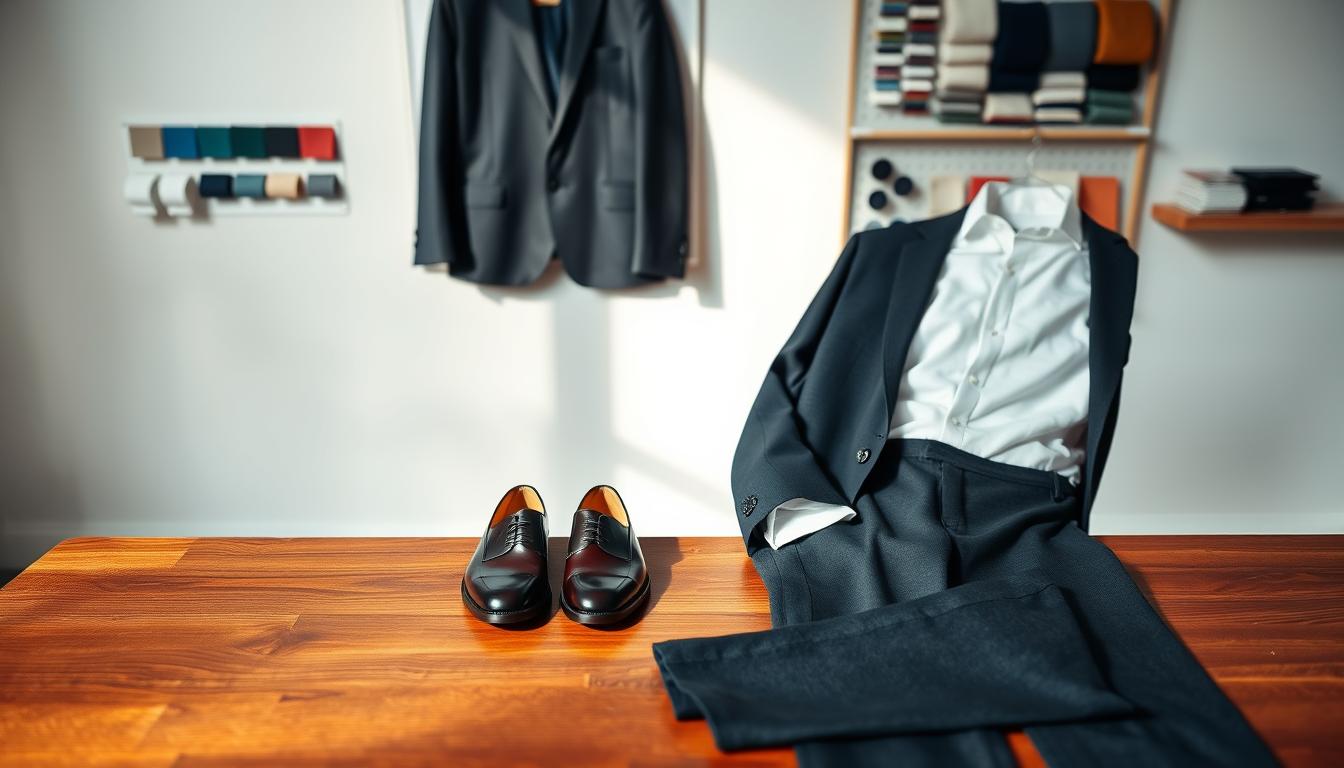
Fits blends hands-on styling with data science to help shoppers make faster, smarter wardrobe choices. Based in Barcelona and London, the team of image consultants, fashion experts, and data scientists focuses on mindful shopping for a more stylish, confident, and sustainable society.
The page compares simple ChatGPT outfit help with a wardrobe-aware styling experience that uses real closet data. AI outfit suggestion here means the system reads photos, item entries, and profile details to build wearable looks, not generic tips.
Think of a product-led flow: capture clothes, pick an occasion, receive multiple looks, and iterate until the final look feels right. The mobile app acts as a digital stylist that learns what you like and serves ready-to-shop combinations.
Expect faster decisions, better coordination, and less wasteful buying because recommendations start from what customers already own. The rest of this page covers immediate value, setup steps, virtual try-on, background removal, planning tools, inclusivity, and real user takeaways.
Key Takeaways
- Wardrobe-aware styling beats one-size-fits-all chat prompts.
- Real closet data creates wearable, shoppable results.
- Product-led flow: capture → choose occasion → iterate looks.
- Digital stylist learns preferences and saves time.
- Built by consultants and data experts for mindful shopping.
Personalized outfit suggestions customers can use right away
Get looks you can wear today—generated from the clothes you already own. Fits crafts daily proposals from your wardrobe so recommendations are actionable, not hypothetical.
Turn “nothing to wear” into ready-to-shop looks
Tap a piece and get clear combinations: top, bottom, shoes, outerwear, and accessories. This turns closet volume into simple, wearable sets so the “nothing wear” feeling disappears fast.
Build confidence with guidance tied to real items
Style guidance feels credible when it references pieces you recognize and like. Users report clearer decisions and more confident dressing for meetings and nights out.
Save time planning for busy days and last-minute occasions
Daily proposals reduce morning indecision and speed choices for dinners or events. You can ask for a look built around one specific garment and get results with minimal back-and-forth.
“I always felt like I had nothing to wear – even though my wardrobe was full. Fits has completely changed that!”
| Benefit | What it uses | Result |
|---|---|---|
| Actionable looks | Your items and clothes | Ready-to-shop combinations |
| Fewer impulse buys | Gap analysis | Mindful, targeted purchases |
| Faster mornings | Daily proposals | Save time and decision energy |
Why AI outfit suggestion works for modern wardrobes
Modern wardrobes often hide great combinations under piles of unworn pieces.
Many people own more clothing than ever, but lack reliable systems to combine items into consistent looks.
From closet overload to curated looks
The system scans and categorizes garments, then surfaces curated looks that use under‑worn pieces.
This reduces decision fatigue by narrowing choices to a few clear ensembles you can try today.
Mindful shopping backed by fashion experts and data science
Fits’ team of image consultants, fashion experts, and data scientists (Barcelona + London) blends style logic with pattern detection.
Color coordination, occasion fit, and wear frequency guide recommendations so results feel practical and personal.
That leads to fewer duplicate buys, more intentional purchases, and less clutter over time.
| Problem | What the system does | Customer result |
|---|---|---|
| Too many items | Categorizes and prioritizes | Clear daily choices |
| Under‑worn pieces | Surfaces forgotten combinations | More wardrobe value |
| Impulse buying | Highlights gaps and repeats | Smarter purchases |
Note: The biggest gains appear when the system has real wardrobe data (photos or item entries) rather than only text prompts. Curated looks become repeatable value on a product page, not one‑off tips.
How it works from wardrobe to outfits in minutes
Upload select pieces first to get meaningful styling results in minutes. Start small so you see value without digitizing everything on day one. This fast-start path gets results while keeping setup time low.
Upload a few key pieces to start getting suggestions
Add 5–10 favorite pieces and the system returns quick, usable looks. This shows the app’s power without a long setup.
Add clothes by searching an item database or snapping photos
You can speed through setup by searching the item database or capture unique items with photos. Search is faster; photos give more accurate recognition and detail.
Create a profile with hair style, body type, and an optional selfie
Profile details help the stylist tailor proportion and silhouette. A selfie is optional but enables better visualizations when you want them.
Pick an occasion like work, casual, date night, party, or formal events
Choosing an occasion constrains results so looks match real life. Work, casual, date night, party, and formal each produce different styling directions.
Get multiple options, regenerate, and fine-tune the final look
The app returns six outfit suggestions to compare. Regenerate if you want more variety, then swap items, add accessories, or change layers until the final combination fits.
- Fast-start: upload a few pieces to unlock value quickly.
- Two input methods: database search for speed, photos for accuracy.
- Profile helps: hair and body type guide proportion and silhouette.
- Occasion-aware: results match the selected context.
- Iteration: regenerate, tweak, and finalize in minutes.
Create outfits from your clothes with an AI stylist app
Get practical, day-by-day dressing help that starts with what you already own. The app returns a fresh outfit proposal each morning based on your wardrobe and preferences.
Daily outfit proposals based on your wardrobe
The daily feed uses the pieces you’ve added to the closet to create wearable looks. This is a clear, repeatable way to get dressed faster and with more confidence.
Weather-aware suggestions for where you are
Local conditions inform layers, outerwear, and footwear so looks are practical. When rain or cold arrives, the stylist nudges warmer combos and water-safe shoes.
Ask for looks built around one specific item
Pick any item you want to wear—jeans, a jacket, or a favorite top—and the app completes the set. This keeps your personal style front and center while saving time.
Outfits for special occasions like weddings and formal dinners
For events, the system narrows choices by occasion and formality. You get tailored options for weddings, formal dinners, or a night out, reducing last-minute stress.
Bottom line: Use the stylist app daily to cut last-minute shopping, avoid backup plans, and make the most of the clothes you already own.
Get better results than ChatGPT alone
Tools that know your wardrobe cut through guesswork and save time compared with prompt-only methods.
Prompting vs. wardrobe-aware styling: Typing a long list of items, colors, and fits into a chat relies on how well you describe each piece. That creates missed details and inconsistent outcomes.
Less manual work than writing lists
The app reads photos and structured entries so you do not rewrite a list each time. It recombines real garments automatically and returns several usable results fast.
A smoother experience for creating and saving looks
Generate multiple looks, regenerate quickly, and save ideas without losing context. The stylist keeps preferences and wardrobe history, so results improve over time.
- Visual inputs and categories (brand, color, type) boost relevance.
- Faster iterations than repeated text prompts.
- Higher long-term consistency and daily value.
| Method | Works best when | Customer result |
|---|---|---|
| Chat prompts | Clear, precise lists | General guidance |
| Wardrobe app | Photos + structured data | Ready-to-wear outfits saved in the app |
Features that improve the customer outfit experience
A few smart tools remove friction so customers see useful looks faster.
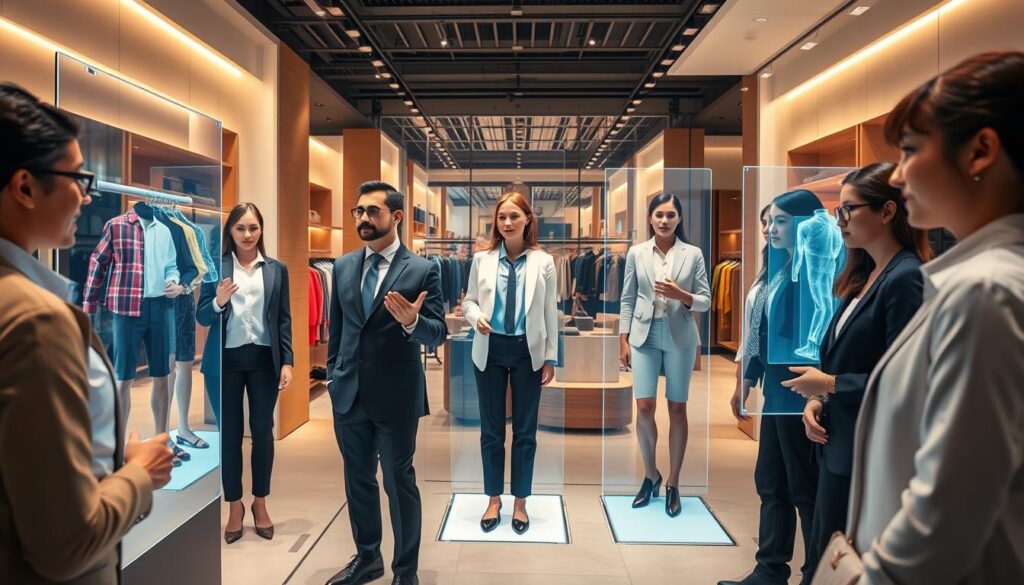
Virtual try-on with a selfie
Quick visualization: A selfie lets customers preview a proposed look on their body. This reduces uncertainty before wearing or buying any item.
Visualization helps people decide faster and feel more confident about a final choice.
Automatic background removal
Clean item photos improve recognition and make the closet view consistent.
Background removal keeps images uniform, so the stylist matches colors and shapes more reliably.
Item database and search
The fastest setup uses searchable entries for common brands and basics.
Matching items from a database speeds entry and reduces manual typing.
Image enhancement for clearer recognition
Enhanced photos show truer colors and finer details. That lowers mismatches in categories and color detection.
Smart filtering and sorting
Customers use color, brand, category, and season to narrow choices quickly.
Filters let users build coherent looks faster and avoid irrelevant items.
Why it matters: smoother workflows reduce setup drop-offs, speed styling sessions, and yield more reliable combinations than tools that add friction with ads or manual steps.
| Feature | How it helps | Customer outcome |
|---|---|---|
| Virtual try-on | Preview looks with a selfie | Faster confidence and fewer returns |
| Background removal | Uniform, clean product images | Better recognition and easier browsing |
| Item database & search | Quick match for common pieces | Speedy closet setup |
| Image enhancement | Clearer color and detail | Fewer mismatched items |
| Smart filters | Sort by color, brand, category, season | Build coherent sets quickly |
Style insights that help customers shop smarter
Style insights turn your closet into a decision dashboard that reveals what to keep, what to pair, and what to skip.
The app scans colors, duplicates, and wear rates so you see where to act first.
Why it matters: removing redundancy or filling one or two high-impact gaps often improves outfits more than buying many new pieces.
Identify wardrobe gaps
Gap detection flags missing colors that limit pairing and over-duplicated items that add little variety.
Style stats you can use
View breakdowns by brands, categories, and spending. Track wear frequency to prioritize repeatable pieces.
“Building a virtual closet helped me stop impulse buys and organize what I already owned.”
| Insight | What it shows | Customer outcome |
|---|---|---|
| Color gaps | Missing hues that block pairings | Buy one key piece to expand looks |
| Duplicates | Multiple similar tops or jackets | Reduce redundancy and free budget |
| Wear frequency | Times each item is worn | Keep high-use items; rethink low-use buys |
| Spending by brand | Where money is concentrated | Adjust future purchases to value |
Bottom line: use these insights to buy only what you need, reduce returns, and plan outfits and trips with confidence.
Plan outfits for real life: calendar days, trips, and packing lists
Using a calendar to assign looks turns guesswork into a quick, repeatable routine. Planning ahead reduces morning decision fatigue and helps people leave the house with confidence.
Plan by day to reduce morning stress
Select a calendar day, pick a saved combination, and lock it in. This saves time and avoids last-minute changes.
Reuse proven combinations when you know a day will be busy. That prevents extra try-on piles and lowers stress.
Pack smarter for trips; build wish lists for occasions
Turn saved looks into a packing list so you pack coordinated clothes rather than random pieces. This reduces overpacking and improves outfit variety on trips.
Wish lists act as a bridge between insight and action—track items you need for a specific occasion without buying them immediately.
“Planning saved me hours before a business trip—no more guessing and fewer returns.”
| Feature | How it helps | Customer result |
|---|---|---|
| Plan by day | Assign saved looks to calendar | Fewer rushed mornings |
| Packing lists | Build from actual closet items | Less overpacking, better coordination |
| Wish lists | Track missing pieces by occasion | Targeted purchases later |
- Time savings: fewer outfit changes and faster departures.
- Trip readiness: coordinated sets ready to pack.
- Ongoing value: planning features make the app part of daily life.
Designed for different styles, body types, and customers
Inclusive design means the app works for a wide range of shapes, sizes, and style preferences. The profile setup asks for hair style and body type so recommendations align with proportions and silhouette intent.
Support for different body types and sizes with optional selfie input
Optional selfie: customers may upload a selfie to enable visualizations. This is never required to generate outfits. Use the selfie only if you want try-on previews.
Works for multiple style preferences and wardrobe aesthetics
The stylist adapts to minimalist, streetwear, business casual, formal, and hybrid looks. Personalization comes from the clothes you add, not one fixed trend or ideal.
- Inclusivity is a product requirement: sizes, comfort levels, and privacy choices are supported.
- Body type and hair inputs refine silhouette guidance without promising radical changes.
- Yes, the product supports men as well as women; messaging should reflect this.
| Need | How it’s handled | Customer result |
|---|---|---|
| Different body types | Profile inputs + optional selfie | Proportional styling, better fit cues |
| Varied styles | Learning from your clothes | Looks that match your aesthetic |
| Privacy & comfort | Selfie optional; data control | Use features at your comfort level |
Next: real customers share what they notice once they use the workflow.
What customers notice in real use
Users report a visible lift in daily dressing when the app surfaces clear combinations from their closet.
More fun and better overview: Customers say dressing becomes more enjoyable because they can see saved sets and reuse things that work. This turns the common “nothing wear” feeling into actionable options.
“I really have more fun dressing and have a better overview of my items.”
Accuracy that builds trust
Correct color and brand recognition matters. When the app names brands and matches hues accurately, customers trust the results and try more combinations.
“I love how precisely it picks out colors and brands of clothing!”
Real setup challenges—and how to avoid them
Onboarding takes effort in any wardrobe product. Manual entry fatigue, random pairings, ads, and buggy background removal create frustration and churn.
Smoother workflow fixes these issues: faster item capture, cleaner photos, clear categories, and quick regenerate/save loops keep people engaged.
- Measureable result: fewer impulse purchases and more repeated use of existing pieces.
- Practical tip: combine search entries with a few key photos to cut setup time in half.
- Commercial takeaway: accurate wardrobe data + fast suggestion loops + easy saving/planning produce the best customer outcomes.
Conclusion
When styling starts from real items, daily dressing gets simpler and more reliable. A dedicated AI stylist app uses closet data to generate, regenerate, and refine looks faster than text-only prompts.
Key benefits: immediate recommendations, occasion-aware flows, weather-aware layers, virtual try-on, clean background removal, smart filters, and insight-driven shopping. These features turn photos and entries into repeatable, wearable sets.
Chat-based help can guide ideas, but a wardrobe-aware tool cuts manual work and improves consistency over time. Start by adding a few key pieces, pick an occasion, review multiple options, regenerate, and tweak until the outfit feels right.
Try the workflow and watch your closet become a source of repeatable looks that help you buy less and wear more.