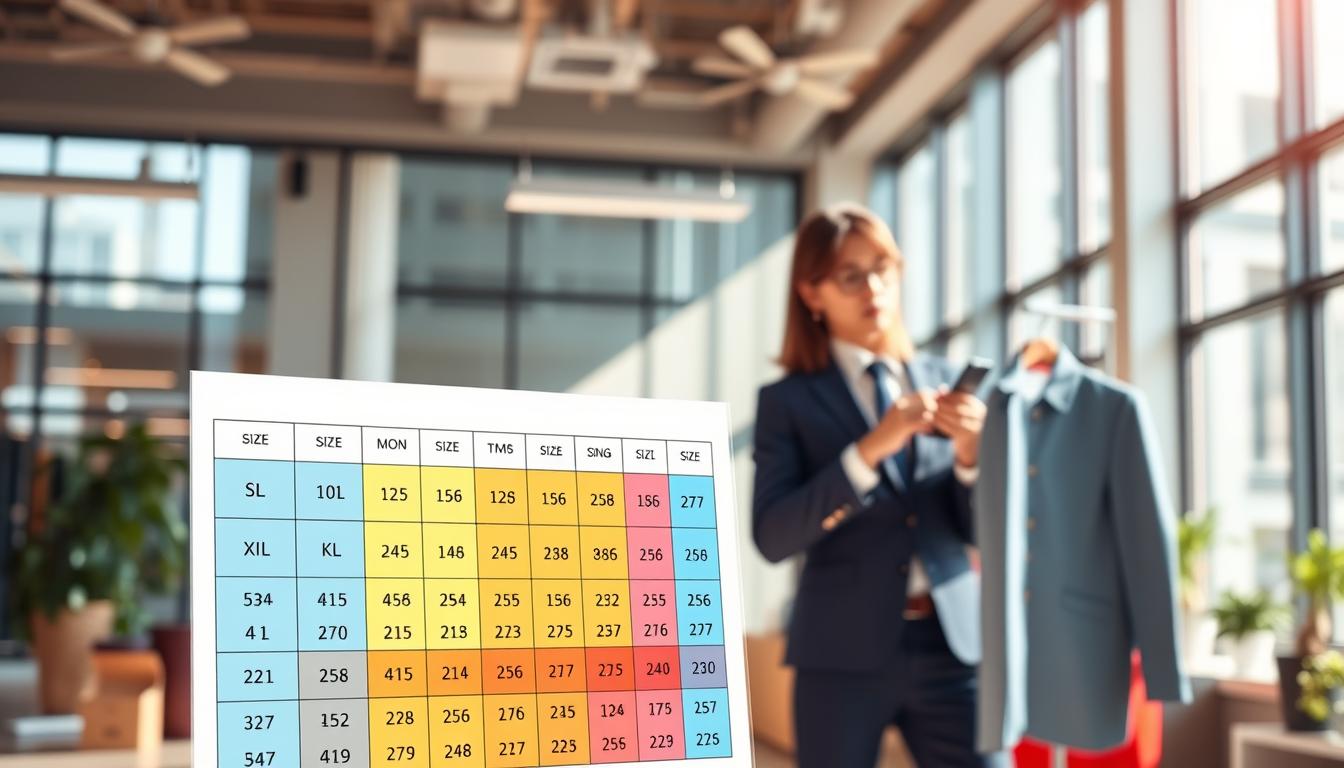
This short introduction explains what you will learn: a practical, step-by-step structure for building clear size charts and consumer-facing copy using a language model, and when to choose dedicated sizing software instead.
Background: the model launched publicly in December 2022 and saw rapid adoption, reaching over 100 million registered users within weeks. That pace showed how quickly teams began using AI to draft product instructions and chart content.
The aim here is realistic. Using a model means drafting copy, standardizing instructions, and formatting a chart—not magically knowing fit without proper inputs. Poor sizing information causes shoppers to abandon carts or order multiple options.
This article previews a practical framework: why clarity boosts conversion, what the model can and cannot do, what inputs to collect, how to generate readable charts and copy, and how to validate results with data and tools.
Scope: instructions use American English and favor inches where relevant. Examples and benchmarks reflect industry outcomes, not just theory, so U.S. merchants can reduce returns and help customers pick the right option quickly.
Key Takeaways
- Learn a step-by-step approach to draft clear chart copy and instructions.
- Understand realistic uses of a language model for sizing content.
- Identify the core inputs needed to produce accurate measurements.
- See how readable language boosts conversions and lowers returns.
- Know when to move from AI drafts to dedicated sizing tools.
Why clear sizing matters for shoppers, brands, and returns
At the point of purchase, clarity about fit is the difference between a sale and a return.
How confusing charts drive frustration
Unclear charts create friction when shoppers seek reassurance. They hesitate, abandon carts, or buy two options and return one. That behavior raises operational costs and clogs support channels.
Returns benchmarks to know
Industry context: retailers average about 45% returns for online apparel.
AI-assisted outcome: some tools report drops to less than 6% for users who engage with guided fit tools. Those figures show what better fit can deliver.
What “better fit” really means
Better fit matches garment measurements to a customer’s body and preference—snug versus relaxed—and accounts for cuts, fabrics, and intended wear. The same customer may wear different sizes across a single brand and across styles.
- Business wins: fewer size objections, higher conversion, fewer tickets, lower return costs.
- Decision criteria for later sections: clarity, completeness, ease of use, and measurable impact on returns and customer satisfaction.
| Metric | Industry Avg | AI-Assisted Example | Impact |
|---|---|---|---|
| Apparel returns | 45% | <6% | Lower logistics & support costs |
| Customer confidence | Variable | Higher with guided fit | Faster decisions at the end of funnel |
| Brand consistency | Low (varies by fashion & cut) | Improved with mapping | Fewer exchanges |
What ChatGPT can and can’t do for sizing in fashion
Short answer: a language model improves clarity and consistency, but accurate recommendations still depend on good measurements and garment specs.
Why height and weight alone fall short
Height and weight give a rough starting point, not a full map. Waist and hip measurements change with body shape, muscle distribution, and how a garment is cut.
“Height and weight alone cannot predict waist or fit because body shape, muscle mass, and garment style matter; other measures like inseam and hip circumference often matter.”
Language vs fit reasoning: where each helps
What the model does well: convert inputs into plain-English chart copy, format tables, and produce clear “between sizes” advice that shoppers understand.
What it cannot do alone: infer detailed body measurements or guarantee a perfect fit without reliable inputs. Accuracy depends on the quality of the data you feed it.

Operational note: an automated response can sound confident even when inputs are incomplete. Add guardrails, defined inputs, and review steps before publishing recommendations.
ChatGPT size guide inputs: the data you actually need
Collecting the right inputs is the fastest path to reliable fit recommendations. Focus on measurable product specs and a few quick customer signals. Good inputs let a model produce usable size fit advice without asking for sensitive details.
Must-have measurements and garment specs
Include chest, waist, hip, inseam, rise, sleeve, and length. Add product tolerances and the intended fit: slim, regular, or relaxed. Note fabric behavior like stretch or pre-shrunk cotton.
Questions that improve accuracy without feeling intrusive
Ask preference-based questions: how a tee should fit, if they size up for layering, or if they prefer a looser waist. Keep it to two or three quick questions so shoppers complete the flow.
Mapping brand-to-brand variance
Collect a customer’s usual sizes or their best-fitting item at home. Translate that known size into your brand’s measurements. This mapping reduces guesswork and improves results.
- Design for low friction: few taps, no sensitive prompts.
- Engagement targets: aim for ~70% completion and 94% “easy to answer” ratings.
- Ops checklist: product input list, documented assumptions (e.g., non-stretch denim), and consistent units.
“High-quality data and compact questions make sizing content reliable at scale.”
How to generate size charts and copy with ChatGPT that customers understand
Good chart copy turns technical measurements into practical choices shoppers recognize instantly.
Prompting pattern: ask the model for four short sections: “How to measure,” “How it fits,” “If you’re between sizes,” and “Need help?”
Prompting for plain-language instructions in American English
Use a repeatable prompt that locks units and tone. Example: “Write customer-facing instructions in American English. Use inches first, include optional cm in parentheses, keep each tip under two sentences.”
Include: measurement method, a one-line fit summary, and a “between sizes” rule.
Building readable charts: units, ranges, and “between sizes” guidance
Readable charts follow three rules: clear units, sensible ranges, and consistent rounding. Define where each measure is taken so shoppers read every chart the same way.
“Size charts are confusing; a friendly assistant can make them easier to use.”
Adding model and models context
Always add a short model line: height, size worn, and fit note (e.g., “5’10\”, wearing M for a relaxed fit”).
If multiple models appear, show varied body types and list each model’s details to help shoppers compare.
Handling variety across product types
Adjust fields by product: jeans need waist, rise, and inseam; tops need chest and shoulder; uniforms need mobility notes. Mention fabric stretch and intended fit.
- Test outputs against a brand style guide to avoid vague claims.
- Scale with category-specific prompt templates and locked required fields.
- Keep charts consistent so shoppers learn the layout across PDPs.
| Item | Key measurements | Fit note |
|---|---|---|
| Jeans | Waist, rise, inseam | Note stretch and whether to size up for layers |
| Tops | Chest, shoulder, sleeve | State intended fit: slim, regular, relaxed |
| Uniforms | Chest, waist, mobility allowance | Mention durability and ease of movement |
Tools and workflows to validate sizing, analyze data, and reduce returns
Outline a measurement plan first. Monitor returns and exchanges by reason code, track size-related support tickets, capture on-page interactions with sizing, and measure conversion changes after updates.
Tracking results and dashboards
Use dashboards to analyze data and spot gaps. Flag SKUs with high return rates, uneven size sell-through, and repeated questions from shoppers.
When to add a dedicated tool
Decision rule: if you need individualized recommendations at scale or your assortment varies widely, pair content workflows with a dedicated tool for predictions and calibration.
Buyer checklist for a size tool
- Integrates with your eCommerce platform.
- Operates with 99.9%+ uptime and fast response.
- Includes analytics access and adoption metrics.
“Some clients see returns drop to under 6% and strong engagement.”
| Measure | Target | Business impact |
|---|---|---|
| Returns rate | <6% (example) | Lower logistics and refunds |
| Engagement | ~70% completion | Higher adoption; fewer inquiries |
| Conversion lift | Up to +80% (case) | More revenue per visitor |
Operationalize: feed tool findings into chart updates, refine prompts for common confusion points, and standardize the support team response. Define ownership, set a reporting cadence, and iterate on data-driven updates for lasting results.
Conclusion
Clear, practical charts and plain fit language cut shopper doubt and speed decisions.
When charts are simple and instructions rely on measurement-based inputs, customers decide faster and returns fall. Bodi.Me data shows fit varies by brand and preference, and usability drives adoption. ReadySize research finds that clearer copy reduces confusion on product pages.
Use a language model at the end of the process to generate consistent sizing copy, standardize chart presentation, and explain “between sizes” choices in plain American English.
Do the basics: audit chart clarity, add a short question set, update category templates, and track returns and friction. If you need tailored recommendations or higher adoption, evaluate dedicated size-fit platforms with integration, uptime, and analytics.
The goal is practical: make the right size decision easier so fewer customers reach the end of the journey disappointed by fit.