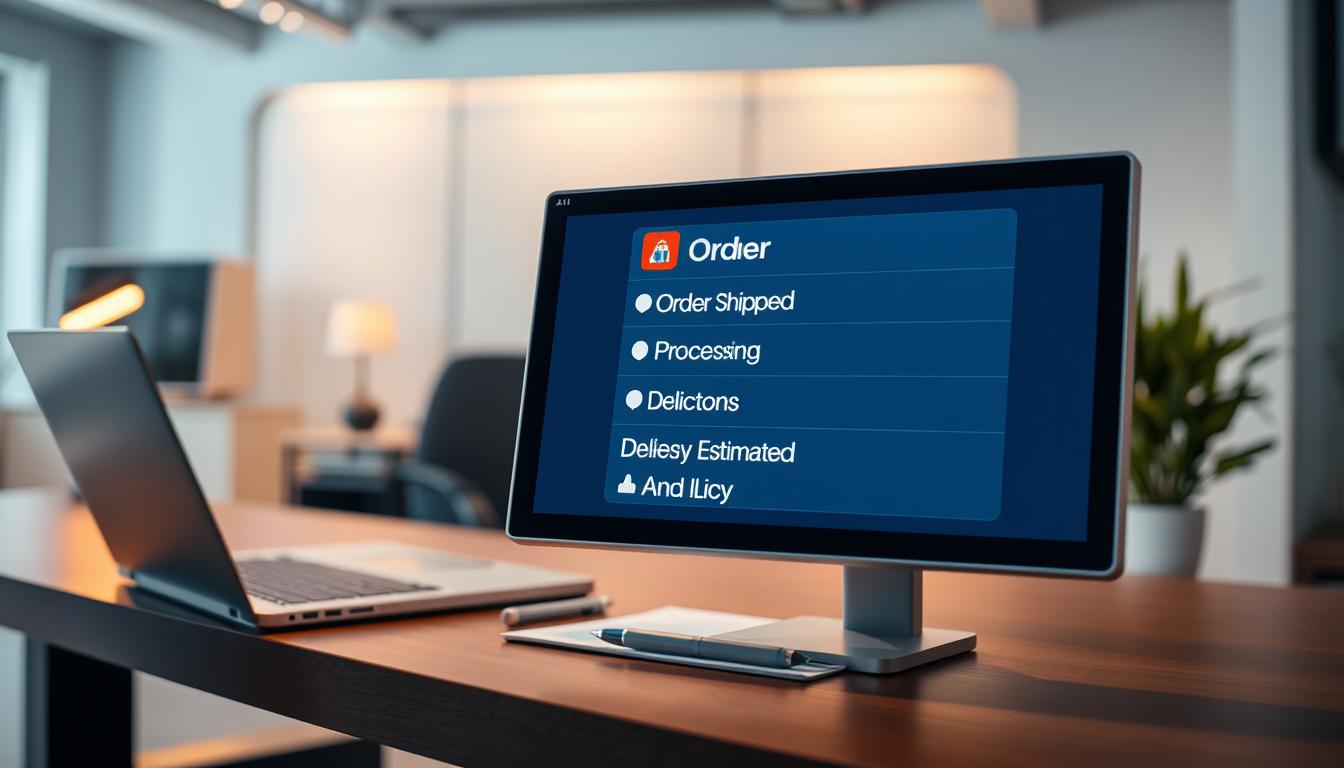
Quick, consistent replies cut support load and calm anxious buyers. Reusable reply templates that pull live tracking and order details answer “Where is my package?” fast. These templates use dynamic fields to include carrier info, delivery windows, and recent updates without manual steps.
This guide shows which template fields matter and how to handle missing data. You will learn to adapt copy for email, SMS, and chat so replies stay consistent across channels. The U.S. ecommerce market sees huge WISMO volume—20–40% of tickets and up to half of inbound calls—because consumers expect real-time tracking at every delivery stage.
At a high level, automation can cut WISMO by roughly 80%, drop cost per ticket from $4.50 to under $1, and boost post-purchase CSAT to 90%+. We’ll start with prerequisites (data and integrations), then build scalable templates, map them to shipping stages, and deploy with automation and clear escalation paths.
Examples use Shopify ecosystems, major carriers, and modern agents such as Fin so you can apply the steps in real systems.
Key Takeaways
- Reusable templates + live fields answer tracking questions quickly.
- Automated replies reduce ticket volume and speed responses.
- Adapt one template set for email, SMS, and chat without full rewrites.
- U.S. shoppers expect tracking updates throughout delivery.
- Guide includes practical Shopify and carrier examples for fast setup.
Why order status questions overwhelm customer service in the United States
When parcels pile up, customer care teams face a steady flood of “where’s my” queries that stretch resources thin.
WISMO (Where Is My Order?) drives a predictable surge in support during holidays, shipping cutoffs, and weather delays.
How WISMO drives ticket volume and inbound calls during peak seasons
WISMO can account for 20–40% of tickets and up to 50% of inbound calls. That concentration creates longer queues and slower replies for all customers.
What shoppers expect from tracking and real-time updates
Modern shoppers want real-time tracking and proactive updates. Sixty-nine percent expect live tracking and 96% actively follow deliveries until arrival.
What automation changes for response time, cost per ticket, and post-purchase CSAT
Automation cuts repetitive support tickets and compresses response time from 12–18 hours to near instant. Cost per ticket can fall from $4.50 to under $1, and CSAT can climb from ~70% to 90%+.
| Metric | Manual | Automated |
|---|---|---|
| WISMO share | 20–40% | Deflected by ~80% |
| Response time | 12–18 hours | Seconds |
| Cost per ticket | $4.50 | <$1 |
Concrete math: at 10,000 monthly tickets with ~30% WISMO, 3,000 conversations are repetitive checks. Templates tied to real-time systems can remove most of that load and stop duplicate support tickets.
What you need before generating templates that customers trust
Templates only work when backed by reliable systems and complete order data. Start by confirming you can fetch live fulfillment details from your commerce and fulfillment platforms.

Minimum data and delivery details
Essential fields: order ID, customer email or phone, order date, items, payment status, shipping address, carrier, tracking number, and the latest scan events.
Delivery details that calm customers: current shipment status, last known scan/location, estimated delivery date, and the next milestone (label created, in transit, out for delivery, delivered).
Systems, integrations, and security
Provide access to commerce platforms (for example Shopify), carrier tracking feeds, warehouse/3PL tools, and order management platforms that record fulfillment events and exceptions.
Use no-code connectors where possible and API integrations when needed. Validate refresh cadence and disclose it if data isn’t real-time.
Security and trust: enforce least-privilege permissions, redact sensitive fields, enable auditable access logs, and require identity checks (email match, phone OTP, or order number + ZIP) before exposing shipment information.
How to write AI order status messages that are clear, on-brand, and scalable
Clear, consistent delivery updates reduce repeat contacts and set expectations fast.
Start each template with a quick greeting and the most relevant fact: order #, current status, and timestamp. Keep sentences short and present the tracking link and ETA in a scannable line. Use dynamic placeholders for carrier, tracking link, and next step so replies stay accurate across channels.
Handle missing details by asking one focused question — for example, confirm email or ZIP — then offer a self-serve lookup link. If the system still can’t find the record, escalate with a concise context bundle for the support team.
Tone, safety, and when to hand off
- Be transparent and direct about delays; show empathy without long apologies.
- Never expose full addresses or payment info in unsecured channels; require verification first.
- Escalate to a support team for suspected fraud, high-value deliveries, repeated failed lookups, or unresolved delivery exceptions.
- Let an agent take action for resending links, approved address edits, or replacement flows when rules are met; otherwise route to human support.
| Issue | Agent Action | Escalation Trigger |
|---|---|---|
| Missing tracking | Ask 1–2 clarifying questions; offer lookup | Lookup fails twice or customer reports missing delivery |
| Delivery exception | Provide ETA update; suggest next steps | Exception with no carrier resolution or high-value items |
| Verification request | Confirm identity via email or ZIP; then show limited details | Suspected fraud or payment disputes |
AI order status messages for every stage of shipping and delivery
Define concise touchpoints so customers see the same helpful updates at every shipping milestone. Map the lifecycle from receipt and payment confirmation through processing, pre-shipment production, shipped, in transit, out for delivery, and delivered follow-up.
Order received / payment confirmed: confirm items, shipping method, expected ship date window, and where customers can view ongoing order tracking and updates.
Pre-shipment for custom goods: supply a simple production timeline. For example, “materials selected,” “in production,” and “quality check”—similar to Hulk Order Status Tracker’s pre-shipment timeline approach.
Shipment confirmation: include carrier, tracking number, and a clear tracking link. Note that carrier scans may take 24–48 hours to appear to prevent repeat questions.
In-transit and ETA changes: use predictive delivery times and explain shifts (weather, carrier congestion). Show the next expected scan milestone.
Exceptions and follow-ups: provide separate templates for delays, lost or partial shipments, and damaged items, with steps customers should take and when to escalate to human support.
- Example: “We show your package in transit with a new ETA of Mar 24 due to weather; next scan expected at the regional facility.”
- Example: “If delivery isn’t visible after 48 hours, reply with your ZIP and we will open a replacement or escalate.”
Channel-ready templates for email, SMS, chat, and support platforms
Design channel-ready templates so every reply gives the same clear tracking facts, no matter where customers reach you.
Email templates should lead with the most important facts in the first two lines: order number, current status, and ETA. Include one primary tracking link and a short FAQ block for common questions like “no scans yet” or “delivery attempted.”
SMS updates must be concise. Use an order snippet, current status, ETA, and a shortened tracking link. Add a short help keyword such as “Reply HELP” to route customers to the right support flow.
Live chat macros for agents
Create quick macros agents and agent-based assistants can use to resolve checks instantly. Start with a one-step identity check, then show the last scan and ETA. Keep replies scannable so agents can paste or trigger them in two clicks.
Keeping messaging consistent across platforms
- Maintain a single source of truth for approved phrases and exception templates.
- Centralize variables (carrier, ETA, last scan) so all channels pull the same data.
- Use version control, a review cadence during peaks, and short training modules so every team uses the same escalation and disclosure rules.
Result: consistent communication across channels reduces duplicate tickets and stops customers from switching platforms to chase clearer updates.
How to automate order updates with an AI agent using real-time tracking
A focused analysis reveals the best places to apply automation and cut repetitive support work.
Analyze support volume
Measure WISMO share, peak-season spikes, and the top tracking questions by carrier and shipping method.
Count tickets and time-to-first-response to set clear goals for reduction.
Train with brand rules
Load shipping rules, refund and replace policies, address-change cutoffs, and tone guidelines into the platform.
Grant structured integration to live data so the agent can fetch scans and ETAs safely.
Test real scenarios
Run cases like can’t-find-order, mismatched email, split shipment, resend tracking link, address edits, and delivered-but-not-received.
Deploy and scale
Launch chat first, add email deflection, then SMS. Load-test for holiday peaks so response time stays fast.
Key capabilities to validate
| Capability | What to validate | Example pass criteria |
|---|---|---|
| Real-time connectivity | Fresh scans under 5 minutes | Sync delay < 5 min |
| Multi-channel coverage | Consistent replies across chat, email, SMS | Same ETA text on all platforms |
| Reliable escalation | Context bundle sent to agents with full data | Agent receives conversation + last 5 events |
Measure success by reduced support tickets, faster time-to-first-response, lower cost per ticket, and higher post-purchase CSAT versus pre-automation benchmarks.
Conclusion
A compact set of templates tied to live order tracking and reliable integrations turns repeat delivery questions into self-serve updates that cut support queues and lower cost per ticket.
In the U.S., transparent tracking reduces customer anxiety, protects trust, and prevents a large share of WISMO tickets that flood teams during peak shipping windows.
Key prerequisites are complete order details, secure access to systems, and strong integration across ecommerce, shipping, and order management platforms.
Use consistent templates with must-have fields, channel-friendly formatting for email and sms, and clear exception handling so agents escalate only when needed.
Implement by Analyze → Train → Test → Deploy, validate escalation rules, and measure results in time to reply, ticket reduction, and cost savings. Predictive delivery updates will keep raising customer expectations—teams that automate responsibly will scale without losing clarity or transparency.