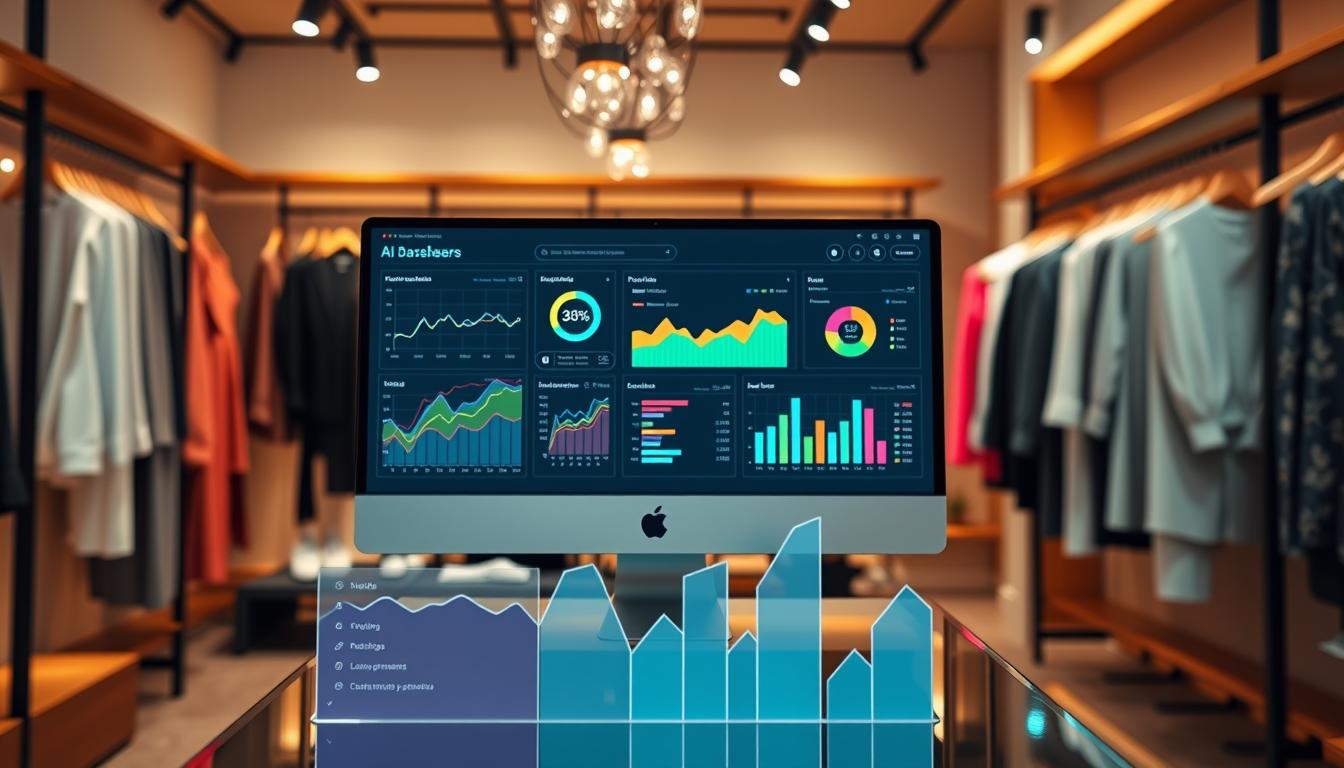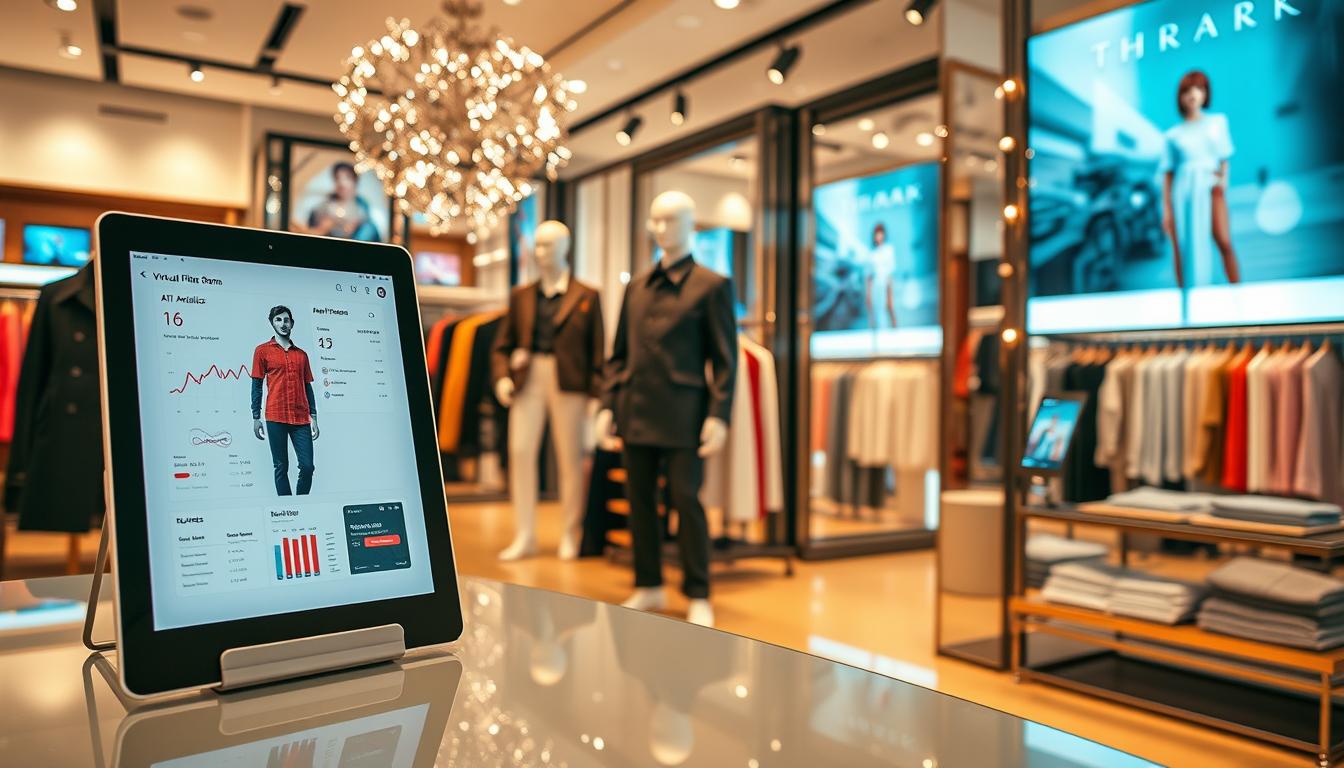
This guide helps U.S. boutiques and small chains pick image-first solutions that boost conversion and cut content costs.
The market is growing fast: the AI fashion market is projected at $2.89B in 2025 with roughly 39.8% annual growth. That rise speeds up image production and trims photoshoot budgets that often run $1,000–$10,000 per shoot.
We define the phrase in practical terms: systems that deliver clear ROI, repeatable workflows, and product-ready outputs for PDPs, ads, and signage. Expect a roundup that maps categories, strengths, limits, and realistic first-month pilots.
Coverage previews include virtual try-on, model photography automation, enterprise visual merchandising, 3D prototyping, sketch-to-image ideation, trend forecasting, and mockup/background ops. The focus is image generation, fit visualization, content operations, and planning—not replacing merchandising judgment.
Small teams will see starter pricing notes (~$15–$59/month) and which platforms require contact-sales enterprise deals. Evaluation emphasizes realism (drape, texture, color), workflow fit (Shopify and common CMS), and governance (controls, QA, usage rights).
Key Takeaways
- Market growth means faster, cheaper product imagery and higher content velocity.
- Read the roundup to match categories to practical retail needs and pilots.
- Focus on realism, workflow fit with Shopify/e-commerce, and governance.
- Starter pricing matters; expect some options under $60/month and others as enterprise-only.
- These systems assist content and planning but do not replace store-level styling judgement.
Why Local Fashion Stores in the US Are Adopting AI in the Past Year
Quick visual output has become a practical advantage for neighborhood retailers. Local teams now produce on-model content in minutes rather than waiting weeks for booking, shoots, and edits. That shift speeds product production and helps stores launch timely assortments tied to weather and events.
Faster merchandising cycles
Refreshes happen faster: shops can update colorways, add new arrivals, and run local promos with same-day visuals. Faster production drives more frequent campaigns and better local relevance.
Lower and predictable cost
A single photoshoot can cost $1,000–$10,000+ versus subscription pricing that supports steady content creation. Brands report 80–90% reductions in visual content cost when they move repeat production in-house.
Sustainability and inclusivity wins
Virtual sampling cuts physical sample runs and reduces reshoots, lowering waste in day-to-day operations. Model generation also removes local casting limits, letting a brand show diverse ages, sizes, and ethnicities consistently.
| Impact | Traditional | New workflows |
|---|---|---|
| Time to deliver | Weeks | Minutes–hours |
| Typical cost | $1,000–$10,000+ | Fixed subscription / predictable |
| Business outcome | Slow refresh, missed local trends | Faster launches, better customer conversion |
Keep humans in control: these systems augment store teams, automating repetitive tasks while preserving styling judgement. Competitive pressure is real—brands that can generate 50–200 images a day gain more visibility in paid and organic marketing channels.
How We Compared Tools for Retail Use Cases
Our comparison focused on whether outputs read like photographed apparel on product pages and ads. We scored platforms on image realism, workflow fit, integration needs, pricing clarity, and governance.
Image realism checklist
Key quality checks: preservation of prints and text, readable fabric texture (denim vs silk), plausible drape, and color fidelity against product data.
Workflow fit for small teams
Small teams need batch generation, quick revisions, and template-driven styling. Exports must drop into Shopify listings, email, and social media with minimal edits.
Integration and pricing
We tested Shopify connectivity first, then CMS/PIM/DAM links for growing catalogs. Pricing models fall into low monthly subscriptions, credit-based systems, and enterprise contracts that bundle integrations and governance.
Governance and operational risk
Checks included consistent model identities, documented usage rights, and review steps. Support reputation matters: slow responses, downtime, or billing friction can erase any cost gains.
“Comparisons will list best-for use case, key strengths, limitations, and a simple pilot path.”
Quick Comparison: Tool Categories and What to Use Them For
A clear category map helps local retailers find fast ROI and avoid costly, mismatched subscriptions. Use this guide to pick a single capability that fixes your day-to-day bottleneck.
Virtual try-on and fit
When to pick it: high-return items like dresses and denim, or any product with frequent sizing questions.
Why it helps: reduces returns by letting shoppers explore fit before purchase.
Model generation and photoshoots
Use model generation when you need PDP-ready images quickly. This platform-grade approach creates on-model shots that match your catalog style.
3D prototyping and fabric simulation
Private-label teams use this tool to speed sample cycles, improve fabric simulation, and aid production handoff.
Trend forecasting and assortment planning
Forecasting dashboards surface local demand signals. Use them to buy smarter and cut markdowns.
Mockups and batch image enhancement
This is the content-ops layer: background removal, bulk edits, and fast exports for ads and social.
| Category | Primary outcome | Best initial use |
|---|---|---|
| Virtual try-on | Lower returns | High-uncertainty fit items |
| Model generation | PDP-ready images | Catalog refreshes |
| 3D prototyping | Faster sampling | Private-label creation |
| Forecasting | Smarter buys | Assortment planning |
| Mockups & enhancements | Higher content throughput | Bulk campaigns |
Next: pricing and pilot plans in later sections will help you match weekly output targets and staffing.
Virtual Try-On Tools for Fit Confidence and Fewer Returns
Virtual try-on raises shopper confidence by showing fit and fabric in near-real contexts.
Why it matters: this category reduces fit anxiety and lowers returns by setting clearer expectations before purchase. Local retail teams get faster e-commerce content without repeated shoots.
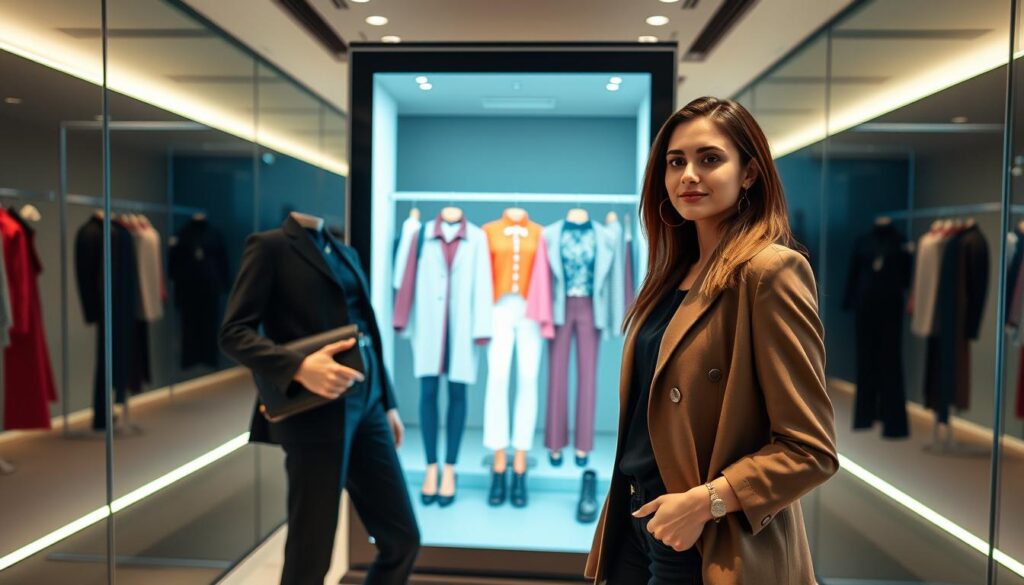
WearView
WearView targets small-to-mid teams with ~15-second generation times and up to 4K outputs. Pricing tiers are $19/$49/$99, and the platform preserves garment prints and textures for marketing-ready images.
FitRoom
FitRoom is mobile-first, ideal when staff create content on phones. It offers a Free plan (10 credits/mo) and a $16/month Standard plan. Generations run about 10–15 seconds.
Revery AI
Revery AI provides a free starter plan (up to ~100 try-ons with limited garments). It’s a low-risk pilot to validate customer engagement before committing budget.
FASHN.ai
FASHN.ai is API-focused and suits teams with developer support. Use it to embed realistic drape and interactive try-ons into a website or app rather than as a standalone editor.
| Tool | Key strength | Starter pricing |
|---|---|---|
| WearView | Speed, 4K output, garment detail | $19 / $49 / $99 |
| FitRoom | Mobile workflow, fast generations | Free (10 credits) / $16 |
| Revery AI | Low-risk pilot, free try-ons | Free starter (limit) |
| FASHN.ai | API integration, realistic drape | Contact sales / developer plans |
Operational note: VTO quality depends on clean product photos, consistent lighting, and accurate product data. Poor inputs lead to shopper distrust.
Recommendation: choose WearView for fast marketing-ready try-ons, FitRoom for mobile content flows, Revery to test demand, and FASHN.ai when integration is the priority.
AI Model Photography and On-Model Image Generators for Product Pages
On-model photography platforms turn flat shots into PDP-ready visuals that improve shopper trust. The goal is simple: consistent angles, clean lighting, accurate color, and realistic context so product pages convert better than flat lays alone.
ZMO.ai
ZMO.ai acts as a hybrid option. The free background removal helps catalog hygiene. Paid tiers add on-model generation so a single product photo can become multiple on-model images with varied poses and scenes.
Botika
Botika automates photoshoot setups. It suits DTC and mid-sized teams that need consistent pose and lighting across many SKUs. This reduces production time and keeps visual quality steady.
Photoroom
Photoroom is mobile-friendly with a free plan and paid pricing from about $9.99/month. It offers simple on-model visuals and batch processing to refresh seasonal imagery fast.
Claid.ai
Claid.ai focuses on operations: upscaling, lighting correction, background generation, and API batch workflows. Subscriptions start near $33/month after a free trial.
QA tip: always check hands, hems, logos, and pattern scale to avoid misrepresentation. Use on-model images on product pages and retargeting; reserve scene variants and backgrounds for paid social creative testing.
Enterprise-Grade AI Imagery and Visual Merchandising Platforms
When a chain manages many SKUs and locations, enterprise imagery platforms become operational necessities.
Why enterprise-grade matters: large catalogs, tight brand rules, and multiple sales channels need systems that link visuals to merchandising logic. Governance, integrations, and scale are the main drivers.
Stylitics
Stylitics embeds on-model imagery into outfitting, bundling, and enrichment workflows. It lets teams push consistent visuals into PDPs, PLPs, email, and campaigns while keeping merchandising rules intact.
Integrations include Shopify Plus and Salesforce Commerce. The platform adds retail-grade QA controls and hybrid review steps to protect color and drape accuracy.
Vue.ai
Vue.ai focuses on PDP automation and asset workflow fit. It links AI model generation, background tools, and PIM/DAM systems to speed content throughput across catalogs.
Vue.ai typically uses sales-led onboarding and custom pricing. It’s a solid choice when product throughput and PIM integration are priorities.
“Governance and clean data matter as much as generation. Bad attributes mean inconsistent outputs.”
| Need | Stylitics | Vue.ai |
|---|---|---|
| Primary focus | Outfitting & merchandising | PDP automation & asset flow |
| Integrations | Shopify Plus, Salesforce | PIM/DAM, commerce platforms |
| Governance | Hybrid QA, brand controls | Asset validation, batch automation |
Buying guidance: expect sales-led deals and onboarding. The ROI case is strongest when catalog scale, multi-location needs, and integration justify the contract and pricing.
Practical takeaway: smaller local brands should standardize product data now and use lighter creative systems. That reduces friction if you upgrade to an enterprise platform later.
3D Design, Virtual Prototyping, and Fabric Simulation Tools
Virtual prototyping brings design decisions into view before a single yard of fabric is cut. These platforms let designers and merchandisers test fit, fabric behavior, and silhouette quickly. That speed matters when private-label runs and small-batch manufacturing make each sample costly.
When 3D matters: use it for private-label development, quick iteration on fits, and cutting sampling rounds. Renderings also support early marketing previews and wholesale line sheets before physical samples exist.
CLO 3D
CLO 3D is the industry standard for realistic drape and fabric physics. It exports production-ready files and helps smooth the handoff to manufacturing. Pricing sits near $50/month, making it a viable investment when sampling and revisions are frequent.
Style3D
Style3D offers a lower-cost route with AI texture generation and collaboration features. It starts around $35/month and includes a 30-day trial. Small teams use it to review changes without long email threads.
Refabric
Refabric focuses on patternmaking and waste-minimizing layouts. Its layout logic reduces material waste and speeds end-to-end development. Trials or custom plans are available for teams that need pattern-level support.
Adoption reality check: 3D software has a learning curve and may demand stronger hardware. It pays off when sampling and revisions are frequent and when the team measures reduced sample rounds and faster approvals.
Phased rollout suggestion: start with one hero category (denim or outerwear). Measure reduced sample rounds, faster approvals, and earlier production-ready files to justify wider adoption.
| Platform | Primary focus | Starter pricing |
|---|---|---|
| CLO 3D | Drape physics, production exports | ≈ $50/month |
| Style3D | Texture generation, collaboration | ≈ $35/month (30-day trial) |
| Refabric | Patternmaking, waste-minimizing layouts | Trial / custom plans |
Sketch-to-Image and AI Design Ideation for Faster Product Creation
Sketch-driven ideation shrinks weeks of debate into a set of market-ready visuals in a single afternoon. That speed matters when a boutique tests small-run exclusives or a designer needs quick buyer feedback.
Why ideation tools matter: they compress early exploration, let designers compare silhouettes, and reveal trend signals before sampling. Concept visuals support preorder pages, local marketing, and buyer checks with low upfront spend.
The New Black
The New Black is a rapid concept engine. It turns prompts, references, or sketches into polished visuals. It also layers trend analysis and virtual try-on previews to speed internal decisions.
Pricing: plans start around $8/month, which makes early pilots low risk.
Ablo
Ablo supports label creation and collaboration. Designers can generate brand identity, mockups, and shared boards to align teams. A free tier exists, with basic subscriptions near $8/month and premium options up to about $40.
NewArc.ai
NewArc.ai focuses on sketch-to-image and production handoff. Its fashion-trained models improve garment fidelity and it can create simple tech packs to reduce friction to sampling.
Pricing: free tier (10/month) and a $19/month plan with roughly 600 generations.
Practical guardrails: use these platforms for ideation and internal alignment only. Validate final designs with patternmaking, fit checks, and real models before selling.
| Platform | Primary outcome | Starter pricing |
|---|---|---|
| The New Black | Rapid concept visuals, trend previews | ≈ $8/month |
| Ablo | Label creation, collaboration, mockups | Free / ≈ $8–$40 |
| NewArc.ai | Sketch-to-image, tech pack support | Free (10/mo) / $19 |
AI Trend Forecasting and Assortment Planning for Smarter Buying
Trend forecasting turns raw social-image patterns into concrete buying and content actions.
What changes for local merchants: fewer missed trends, fewer overbuys, and better timing for seasonal floorsets and online drops.
Heuritech
Heuritech analyzes ~3M images daily and offers forecasting up to 24 months. Its social-image analytics suit larger brands with heavy inventory exposure. Typical pricing starts near €12,000/year and is justified by inventory risk reduction.
Designovel
Designovel combines multi-source trend insights with automation and generative design. It is enterprise-priced with no public tiers and leans on integration and workflow automation for big teams.
Practical path for small teams: buy periodic reports, subscribe to vendor summaries, or use limited consulting to get enterprise-level signals without full seats. Apply those signals to adjust color stories, prioritize silhouettes, and tailor assortments to your local market.
Governance note: treat trend data as guidance. Validate with sell-through, margins, and local customer feedback.
- Cadence: monthly trend review + weekly sales read + rapid content tests.
Mockups, Backgrounds, and Content Operations for Social Media and Ads
Quick mockup pipelines turn a single product photo into dozens of ad-ready creatives in minutes.
Why this matters: local teams need steady creative to run paid social campaigns, seasonal promos, and story posts without scheduling shoots. Mockups and background ops let marketers test variants fast and keep feeds fresh.
Dynamic mockups and integrations
Dynamic Mockups can generate ~100 mockups in about 10 seconds. It offers a free tier (50 credits/month) and paid plans starting near $15/month. Integrations include Shopify, Etsy, WooCommerce, and Zapier/Make to simplify e-commerce exports.
Background removal and scene generation
Lightweight background removal tools often win when throughput matters. They remove backgrounds fast and let teams swap scenes without a complex platform. All-in-one platforms add features but can slow workflows.
Keep generated scenes on-brand and never imply product features that don’t exist. That protects trust and reduces returns.
- Use mockups for early A/B tests and quick social media ads.
- Promote winning variants with higher-effort photography.
- Standardize naming, versioning, and storage so high-performing images are reusable.
| Focus | Typical outcome | Notes |
|---|---|---|
| Bulk mockups | Fast variant testing | 100 mockups ≈10s; Shopify/Etsy/WooCommerce |
| Background removal | High throughput | Simpler tools = faster exports |
| Scene generation | Branded ads | Avoid misleading textures or props |
“Rapid variants help find winning hooks with less time spent per creative iteration.”
Pricing and Budget Planning for Local Retail Teams
Start budgeting with clear output goals: how many SKUs per week and how many images per SKU. Map channels (PDP, social, ads) and required variants before choosing a plan.
Under-$20/month starters and free tiers
Use low-cost plans as controlled tests. Examples include The New Black (~$8/month), FitRoom ($16/month), Dynamic Mockups ($15/month), and NewArc.ai ($19/month). Run one category, one channel, and set quality benchmarks.
Mid-tier subscriptions
Mid-tier plans become a steady content engine. Expect WearView at $49/$99, Claid.ai ≈$33/month, and ZMO.ai’s plans from $59+. These platforms replace sporadic photoshoot cost with predictable monthly pricing.
Enterprise contracts
Choose enterprise only when catalog scale, multi-location governance, PIM/DAM integrations, and strict QA matter. Examples: Heuritech (€12,000/year), Stylitics, Vue.ai, Designovel.
“Budget for hidden costs: asset prep, revision cycles, and the impact of misrepresented color or fit.”
- Budget framework: SKUs/week × images/SKU × channels = monthly output target.
- ROI model: monthly tool spend versus avoided shoot fees + uplift in conversion and lower return handling.
- Quarterly plan: start small, scale the winning workflow, and reserve budget for one hero shoot.
How to Choose the Best Fit for Your Store’s Workflow
Pick a workflow that matches how your team creates, publishes, and measures product imagery.
Best picks for boutiques focused on e-commerce conversion and PDP upgrades
Choose a tool that preserves prints, texture, and color. WearView fits when you need high-resolution, on-model shots that reduce fit uncertainty and lift conversion.
Decision rule: if a single PDP hero drives most sales, prioritize realism over batch speed.
Best picks for stores prioritizing social media content volume and speed
For high-volume feeds, pair Dynamic Mockups with quick background removal and a mobile on-model option like Photoroom. This stack favors fast batch output and short revision loops.
Operational tip: reserve a separate hero image pipeline for product pages to keep quality consistent.
Best picks for in-house design teams needing patterns, sampling, and 3D visualization
Design teams should invest in CLO 3D or Style3D and use NewArc.ai to bridge sketches into tech packs. This improves visualization and reduces sample rounds.
Prioritize tools that export production-ready files and communicate with manufacturers.
Pilot plan: what to test in the first month and what “good” looks like
Run a four-week pilot that measures throughput, revision rate, perceived realism, and early performance signals like CTR and conversion. Targets: 25–50 images/week, <15% revision rate, and a measurable CTR lift on hero ads.
Mix rather than force one platform: use a mockup tool for ads and a higher-fidelity generator for PDPs. Add a governance step: one reviewer, a short checklist, and a rollback plan if outputs fail brand checks.
Small teams that adopt this approach typically see fewer bottlenecks, consistent styling, and more accurate color and fit across channels. If you need baseline policies, consult the terms of use to confirm usage rights before publishing generated visuals.
Implementation Checklist for Launching AI Tools Without Disrupting Operations
Begin with clear inputs: consistent photos, accurate attributes, and a single approval path.
Asset prep and product data hygiene
Gather consistent assets: flat lays, mannequin shots, and neutral lighting samples. Add true-color swatches and clear size/material fields in product data.
Brand controls and styling rules
Document approved styling, background choices, and a short guide that every creator follows. Include rules on props, logo placement, and seasonal house style.
Model diversity and review workflow
Define model targets that match your customer base and inclusive sizing. Set a reviewer role to check hems, logos, pattern scale, and anatomy before publishing.
Legal basics and customer trust
Confirm commercial usage rights in vendor plans and document accuracy expectations. Avoid images that imply features not in the garment. Keep fit notes aligned with size charts.
Measuring impact
Track KPIs: images per hour, conversion lift on PDPs, social engagement, and return-rate shifts by category.
| Checklist item | Owner | Why it matters |
|---|---|---|
| Flat lays & swatches | Content lead | Ensures color and texture fidelity |
| Styling rules doc | Brand manager | Keeps consistent house style |
| Model diversity plan | Merchandising | Reflects customer base and trust |
| Quality review gate | Reviewer | Prevents misrepresentation and returns |
“Retail-grade selection emphasizes guardrails, consistent output, and QA to protect trust.”
Conclusion
Start by solving one recurring problem: PDP hero shots, social volume, fit confidence, or design sampling. Pick the category that clears your biggest bottleneck and measure outcomes in weeks, not months.
Realism and trust matter most. Inaccurate color, fabric, or fit hurts conversion and raises returns. Keep a tight QA step and use consistent inputs to protect brand credibility.
Choose tools that match staff capacity and weekly workflows. Use low-cost tiers to run a 30-day pilot and track pricing, throughput, and conversion before scaling.
Trend signals speed reaction, but assortment choices still need local merchandising judgment. Practical next step: pick one tool, define KPIs, run 30 days, and keep a short list of alternatives in the same category.