Turn a single product photo into a scroll-stopping clip that fits TikTok, Instagram Reels, and YouTube Shorts. This guide shows a simple workflow: upload an image, choose a style like catwalk or 360, then generate and download a vertical clip in about one to two minutes.
This article is for U.S. local and online shops, plus TikTok Shop sellers who need steady content without a production team. You’ll learn what inputs matter, how to pick visuals, and how to move from photo to published post quickly.
Expect practical, repeatable steps that boost your brand and business presence on social media. The focus is on marketing that favors relevance over follower counts, so each clip can be repurposed across platforms and product pages.
Key Takeaways
- Convert single product or model photos into short, post-ready clips.
- Fast workflow: upload → style choice → generate → download.
- Designed for small businesses and sellers in the United States.
- Increase marketing output with less time and fewer resources.
- Repurpose each clip across platforms for broader reach.
Why AI TikTok videos work for boutiques right now
Local shops and online stores can turn product photos into scroll-stopping motion in minutes. Small teams no longer need crews, model bookings, or long edit queues to publish fresh content.
More output, less overhead. Traditional production often takes 4–12 weeks and costs $1,500–$10,000+. Instant generation cuts that cost and lets teams regenerate edits on the fly.
Fast turnaround matters. One image can become a usable clip in about 1–2 minutes, making same-day launches for new arrivals and restocks realistic. Seconds of early retention drive reach, so the first moments must hook viewers.
- Publish more content without extra staff or repeated shoots.
- Use rapid clips for A/B testing — video can increase conversions by up to 80% when tested against static images.
- Leverage platform features like vertical-first viewing, Shop pathways, comment discovery, and remix culture to broaden reach.
“Video can increase conversions by up to 80%.”
Small brands win by holding attention, not by follower count. Faster work cycles mean more tests, better data, and clearer merchandising decisions.
What you need before you generate your first boutique video
Before you generate your first clip, gather images that let motion feel natural and believable.
Pick the right product visuals for motion
Use model shots and full-body outfit photos. These show fabric drape, fit, and silhouette. They make motion look dynamic and realistic for your audience.
Pre-flight checklist
- Clear subject with full garment visibility
- High resolution and minimal motion blur
- Clean, high-contrast background with few props
- Natural pose or slight movement for better animation cues
Avoid common image issues
Do not use folded clothing, layered piles, or heavily blurred photos. These reduce realism and confuse the generator. Keep backgrounds simple so the outfit remains the focal point.
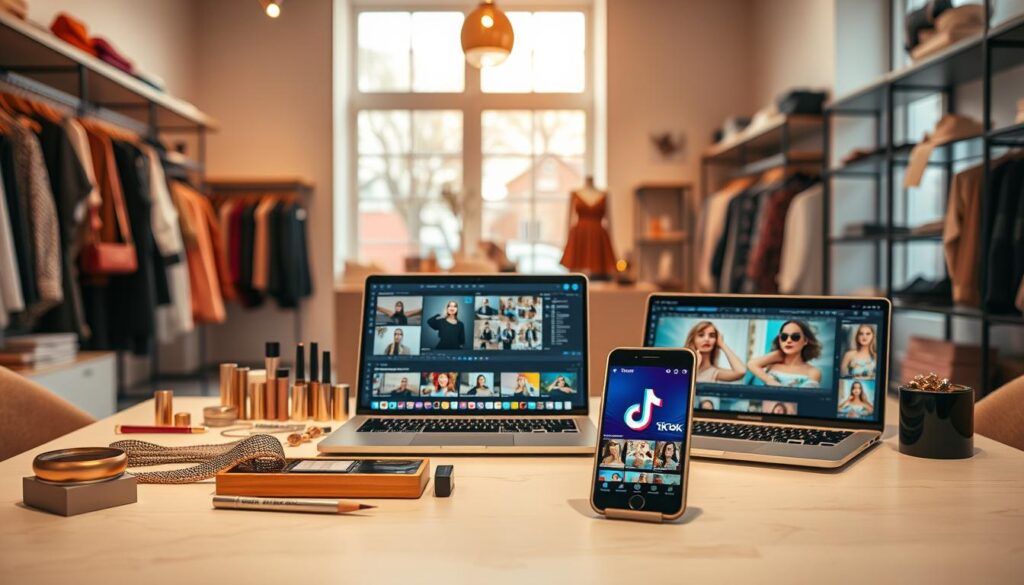
“Good source photos increase time on page and help convert viewers into buyers.”
| Goal | Clip style | Measure |
|---|---|---|
| Attention | Short hook-heavy clips | Scroll-stop rate, watch seconds |
| Time on page | Longer fit/drape clips | Average session duration |
| Conversions / TikTok Shop sales | Product-focused demo with CTAs | Add-to-cart rate, sales |
Document baseline results for conversion rate, average watch time, and clicks. That way you can compare results after adding short clips and refine for your customers and audience.
AI TikTok videos boutique workflow: from product photo to post-ready clip
Get a polished vertical clip from one image with a simple, repeatable workflow.
Upload your image to a fashion clip generator
Step one: pick a clear, well-lit product photo and upload it to the generator. The tool reads the subject and sets framing so the outfit stays centered.
Choose a style—catwalk, 360° spin, or custom prompt with text
Step two: select a style. Choose catwalk for movement that highlights drape and fit. Pick 360° spin to show the full silhouette. Use a custom prompt and text when you want a specific mood or gesture.
Generate and download in vertical format
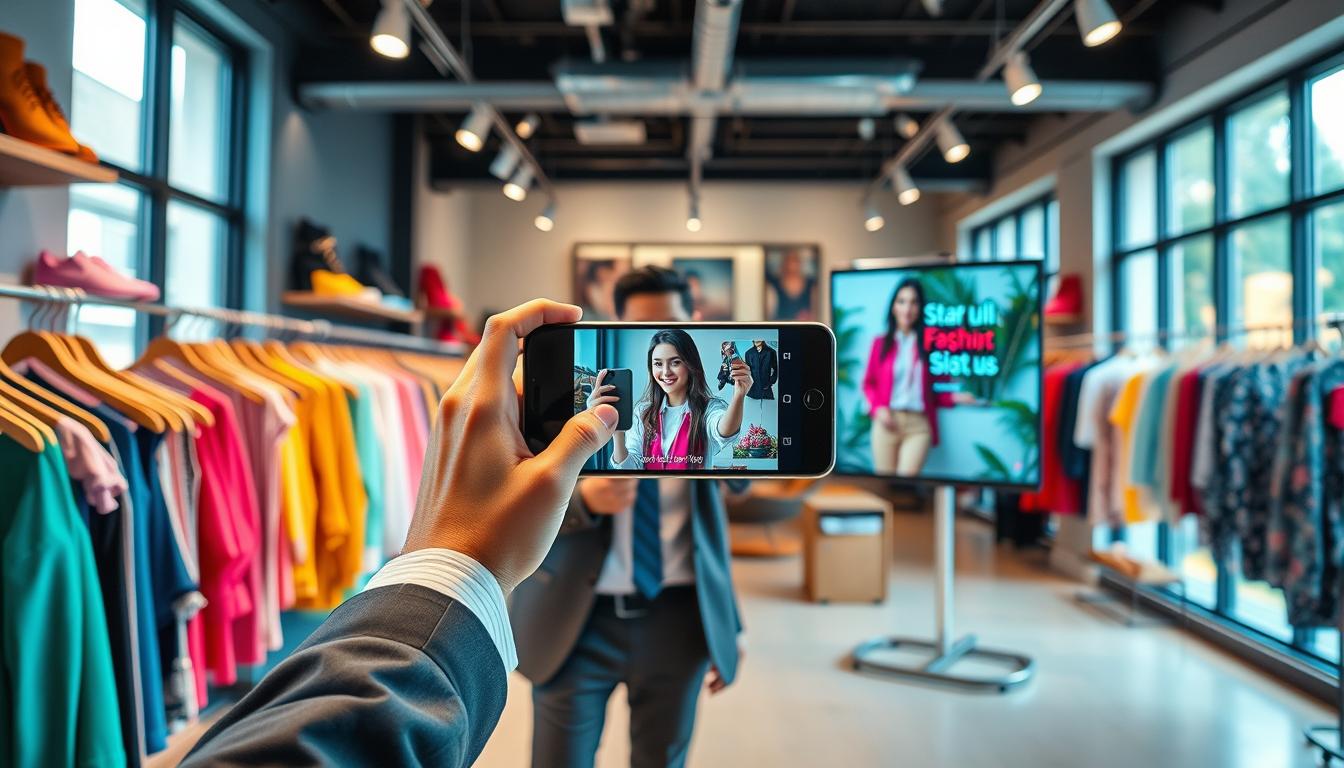
Step three: generate the clip. Typical output time is 1–2 minutes. Download a high-quality, vertical 9:16 video ready for social. Name files by SKU, drop date, and variation to keep revisions organized.
Create multiple variations instantly for campaigns
Regenerate alternate clips from the same photo to test hooks, overlays, and on-screen copy. Quick A/B tests on hook, template, or on-screen text help you learn what converts.
| Goal | When to pick | Key output |
|---|---|---|
| Fit & motion | Catwalk | Centered vertical video |
| Full view | 360° spin | Seamless rotation clip |
| Brand mood | Custom text prompt | Styled, on-brand clip |
Pro tip:Use fast iteration for trending sounds, quick comment replies, and quick uploads to tiktok videos or videos tiktok listings.
Pick templates and motions that sell the product on camera
Choose templates and motion that make each garment’s best features obvious on screen. That clarity helps customers understand fit and fabric without extra explanation.
Catalog-to-video showcases
Catalog-style motion highlights drape, fit, and fabric movement that a photo cannot convey.
Use flowing motion for dresses and soft fabrics. Use subtle, tight motion for denim and structured pieces so seams and shape stay readable.
Virtual try-on and 360° presentations
High-intent shoppers respond well to immersive formats. A 360° presentation or virtual try-on builds confidence and reduces returns.
Background choices that keep focus
Pick clean studio backgrounds or gentle gradients. Avoid clutter that distracts from the outfit and hide sizing cues.
When to use promo-style vs. lookbook-style templates
Promo templates work for price drops, limited stock, and seasonal sales. Lookbook templates emphasize styling, mood, and brand features.
Example: Use a 360° spin for a statement dress to show hemline movement, and a catwalk-style template for a full outfit styling moment.
- Build a small “template stack” to reuse weekly for consistency.
- Rotate motions to keep content fresh while keeping brand look steady.
Write hooks, captions, and on-screen text that stop the scroll
Grab attention in the first moments with a clear visual promise that tells people what they’ll gain. Open with a bold reveal or a short claim—“3 ways to style this” or a quick before/after—to earn the first few seconds of watch time.
Hook viewers in the first few seconds with a bold visual or promise
Use a fast visual flip, a product close-up, or a short line that states benefit. That early hook creates the engagement signals algorithms favor and lifts completion rates.
Caption strategy for silent viewing and clarity
Write short, product-forward captions that explain the item when sound is off. Keep captions specific: fabric, size range, and a one-line benefit.
Text overlays that spotlight product benefits, sizing, and styling ideas
On-screen text should call out fit, fabric, height reference, and styling suggestions (shoes, layering, occasion). Use high-contrast colors and safe margins so copy stays readable under UI elements.
- Repeatable hook formula: bold promise + fast reveal = more attention.
- Align hooks to your audience: trend-seekers want striking edits; ready-to-buy shoppers want sizing and price cues.
- Keep brand voice consistent across captions and on-screen text to reduce confusion and improve results.
“Short, clear text and captions help people understand the product without sound.”
Light CTA: invite a quick reply (“Want it in black?”) or a soft shop prompt to convert curiosity into clicks and saves.
Content formats boutiques can reuse weekly on TikTok
Build a simple weekly content plan that keeps your storefront in front of shoppers without burning time. Pick 4–6 repeatable formats and rotate them so your feed feels fresh without new shoots every day.
Get Ready With Me styling
Day-to-night outfit changes show multiple pieces in one short clip. Start casual, add layers, then swap shoes to reveal a night look.
Day-in-the-life behind the scenes
Share new arrivals, packing orders, and showroom moments. These clips build trust and show how the shop runs, which people appreciate.
Tutorials and quick demos
Do fit checks, fabric stretch tests, and short styling tips. High-utility video content helps shoppers decide and reduces returns.
Duets, stitches, and comment replies
Respond to trend clips with your product take. Add value—size notes, fabric advice, or styling options—rather than copying the original.
ASMR retail and Live clips
Capture satisfying sounds—tags, tissue, zippers—for repeatable sensory posts. Host lives for Q&A and clip highlights for later use in a tiktok shop post.
“Repeatable formats save time and improve watch time when done consistently.”
| Format | Frequency per week | Purpose |
|---|---|---|
| GRWM | 1 | Show multiple products; styling ideas |
| Day-in-life | 1–2 | Brand trust; behind-the-scenes |
| Tutorials/Demos | 1 | Answer FAQs; reduce returns |
| Duets/Stitches/Replies | 2 | Engage with trends; add expert view |
| ASMR & Live clips | 1 | Relaxing repeats; clip commerce moments |
Quick system: plan one hook-led post, one demo, and one behind-the-scenes clip each week. Repurpose live highlights into short clips for more reach.
Posting strategy and optimization for U.S. boutiques
Set a realistic cadence for uploads and grow frequency as your content bank fills. Start with a baseline you can sustain and increase as ideas and media pile up. This approach balances daily demands with long-term growth on the platform.
Consistency guidelines
Consistency helps the platform learn your audience and gives you comparable performance data. Aim for a steady rhythm—use TikTok’s 1–4 posts per day as a benchmark, not a rule.
Keep clips short and engaging
Short, tightly edited media boost completion and replay rates. Use quick hooks, readable on-screen text, and strong first-second visuals to increase watch time and distribution.
Hashtag and timing tips
Use niche product descriptors instead of generic tags. Pick style, fit, occasion, and SKU terms to reach shoppers searching for specifics.
Test evenings and weekends first, then refine timing with platform analytics by region and customer behavior.
Measure what matters
Track watch time, profile clicks, product page actions, and conversions. For tiktok shop sellers, check product clicks, add-to-cart rate, and sales attributed to shoppable links.
Weekly reporting rhythm
Review top posts each week. Note which media patterns win—hook type, template, and length—and iterate. Small, regular tests deliver clearer results than sporadic bursts.
“Measure watch time, clicks, conversions, and tiktok shop sales to learn fast.”
Conclusion
Finish with action: choose one hero product and make three short video variations to test what works.
Follow a simple step: upload the best visuals, choose a style, then generate and download vertical clips in about 1–2 minutes. Quick iteration lets your brand produce more content without long production delays.
Measure what matters: track watch time, profile clicks, add-to-cart actions, and conversions to learn fast. Use results to refine templates and features that move your audience to shop.
Start a weekly plan: one lookbook, one promo, one tutorial, one behind-the-scenes, and one comment reply. Repeat, test, and scale for steady business growth across platforms.