This is a service-style buying guide for teams that want faster product visuals for e-commerce and marketing. It explains what the tools do, who should use them, and what brands can expect today.
I tested Modelia, Pic Copilot, and Uwear.ai using the same product photos where possible. The goal was to compare realism, speed, and consistency across outputs.
Why this matters: better product presentation helps listings convert, speeds launches, and creates more social and ad variations without repeat shoots.
The review focuses on three core outcomes: realistic fit and drape, protecting product details, and producing ready-to-use images for PDPs, ads, and social. Each platform shows a slightly different strength in those areas.
Use this guide to match selection criteria to your workflow, see which tool fits your catalog photo type, and follow a short rollout checklist at the end.
Key Takeaways
- Modelia, Pic Copilot, and Uwear.ai offer faster alternatives to traditional shoots for fashion teams.
- Expect trade-offs between speed, realism, and detail preservation.
- Testing used the same source images to keep comparisons fair and actionable.
- Primary buyer concerns: fit accuracy, protected product details, and ready-to-publish output.
- This guide helps brands choose by workflow fit and gives a practical rollout checklist.
Why brands are switching to AI-generated fashion model photos right now
Brands are shifting how they create on-model photos to keep up with faster product cycles.
From studio photography to on-model visuals in seconds
Booking studios, casting, and scheduling photoshoots adds cost and lead time. Tools that generate on-model images cut that overhead. Uwear.ai can produce a first image in about five seconds from a flat lay. Pic Copilot creates polished outputs from a single product photo, while Modelia focuses on lowering cost, time, and required expertise.
Where these images fit across e-commerce and marketing
Generated visuals speed creative velocity. Teams can update product detail pages, run fresh ads, and swap hero photos in email or social faster. This helps with quick PDP updates, faster creative testing, and tighter time between receiving stock and publishing new listings.
“Consistent creative at scale lets merchants test more variants and keep pages fresh.”
- Use cases: product detail pages, category grids, paid ads, email heroes, and social posts.
- Benefits: consistent creative, model diversity options, and rapid iteration when performance drops.
- Limitations: this does not fully replace studio shoots but reduces repeat sessions.
What I evaluated when testing AI virtual clothing tools for product photos
I built a simple evaluation framework to measure realism, inputs, and production readiness. The goal was to make results repeatable for teams so assessments are data driven, not just subjective impressions.
Input photo types supported
Platforms accepted different starting images. I checked flat lay, ghost mannequin, and existing model shots to match typical catalogs.
- Modelia: supports flatlay, mannequin, and model inputs via three dedicated modes.
- Pic Copilot: works from single product photos and emphasizes preserving drape and lighting.
- Uwear.ai: built around fast flat‑lay generation plus Shopify app and CSV batch uploads.
Realism benchmarks
Focus areas: believable fit at seams and waistlines, accurate drape, consistent lighting, and stable camera angle across variants. I measured each output against those checkpoints.
Workflow readiness and output coverage
Key workflow items included Shopify compatibility, API access, and batch processing for large catalogs. I also checked whether the tool can produce standard PDP images, lifestyle visuals, and short videos for richer merchandising.
Modelia overview for e-commerce model photo generation
For teams that need fast, consistent product imagery, Modelia focuses on three clear input workflows. It lets marketers upload a flatlay, mannequin, or model and instantly see the product worn with natural fit and flow. The interface requires no coding or advanced skills, so nontechnical teams can run production-ready image jobs.
Flatlay to Model
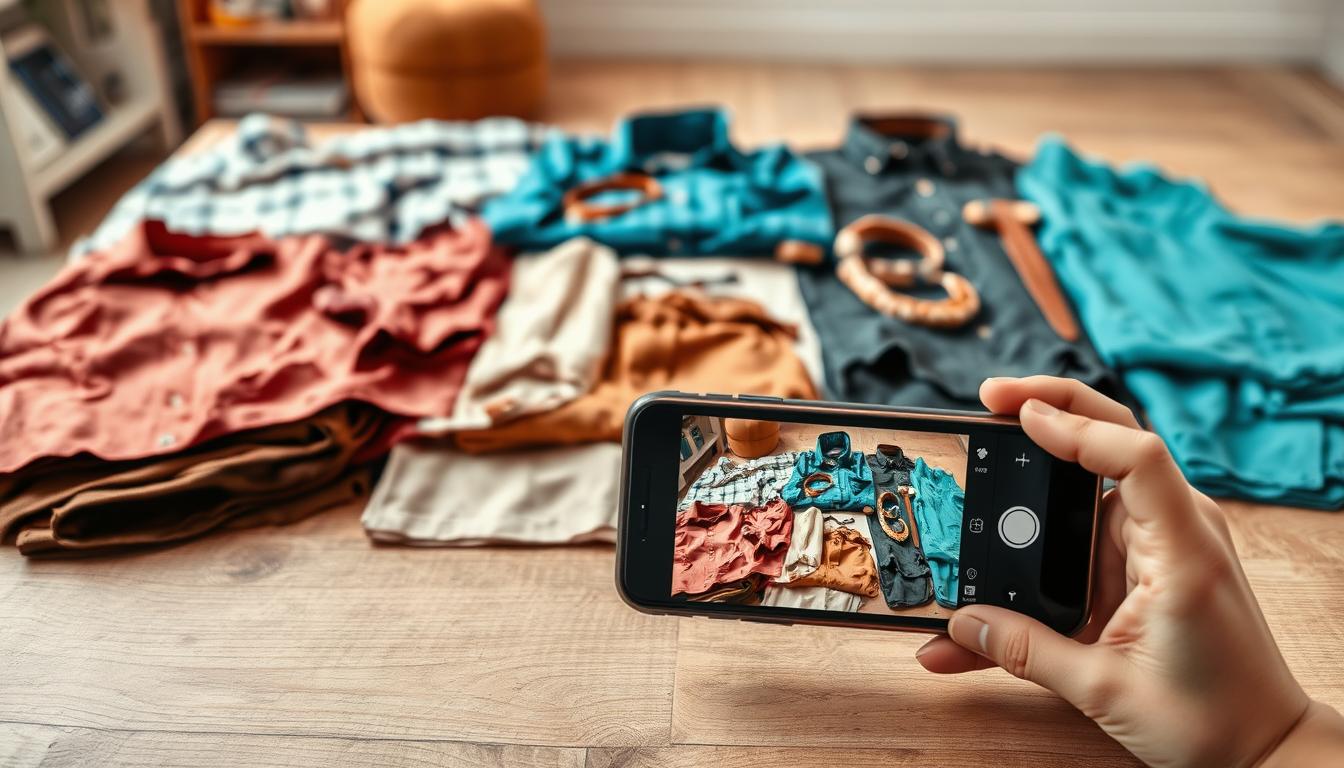
Flatlay to Model converts top-down product photos — a shirt on a table or a dress on a background — into styled on-model shots. A flat lay is a top-down photo showing the product laid flat.
Mannequin to Model
Mannequin to Model supports ghost mannequin workflows. A ghost mannequin image is a studio shot where the product is displayed on a mannequin and the form is removed, preserving fit and structure for conversion.
Model to Model
Model to Model swaps or adapts existing model photography so brands can expand looks without reshoots. This helps reuse warehouse flat lays, studio mannequin shoots, or past product photography.
- Designed for marketers: no coding required and quick onboarding.
- Scaling: outputs work anywhere — Shopify, marketplaces, and ad channels.
- Collaboration: team tools for consistent assets across launches.
Pic Copilot virtual try-on and model replacement capabilities
Pic Copilot converts a single product image into realistic on-model results for common catalog items. Simply upload a product image and the system generates a fast virtual try-on that works well for tops, dresses, jackets, and full outfits.
Realistic try-on means the platform keeps fabric drape, lighting, and camera angle intact so the clothes look naturally worn. That preservation helps listings feel accurate and reduces post-edit work.
One-click replacement swaps a subject in an existing shot while holding textile details and shadow direction. The result is consistent imagery across variants with minimal manual fixes.
Custom fashion models and outputs
Brands can select genders, regions, and body types to match their audience. Outputs include high-resolution photos and short videos for lookbooks, PDPs, and social content.
Conversion extras include AI backgrounds, shadow creation, and image upscaling so visuals publish faster without extra editing. Video support adds motion for product pages and short-form ads.
| Feature | Benefit | Best use |
|---|---|---|
| Single image upload | Fast generation | Tops, dresses, jackets |
| One-click replacement | Preserves drape & lighting | Variant expansion |
| Custom fashion models | Audience match | Lookbooks & PDPs |
| Backgrounds, shadows, upscaling | Production-ready images | Ads & category grids |
| Photo + video outputs | Dynamic presentation | Social reels & detail pages |
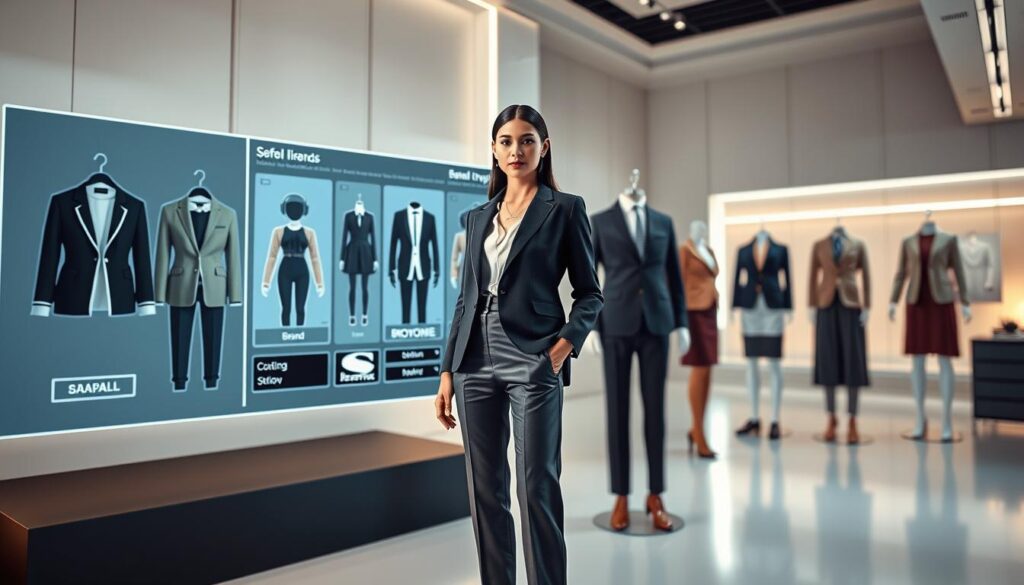
Technical context: Pic Copilot relies on Alibaba Cloud, Qwen, and proprietary algorithms to scale image and video generation for commerce teams.
Uwear.ai AI fashion platform for on-model visuals and shopper try-on
Uwear.ai packages generation, try-on, and merchandising features into a single workflow for brands. The platform serves merchants who need fast on-model photos and shoppers who want easy try-on experiences.
Generate on-model photos from one flat-lay image in a few clicks
Upload a single flat-lay and get on-model photos in minutes. This reduces repeat studio time and speeds product launch cycles.
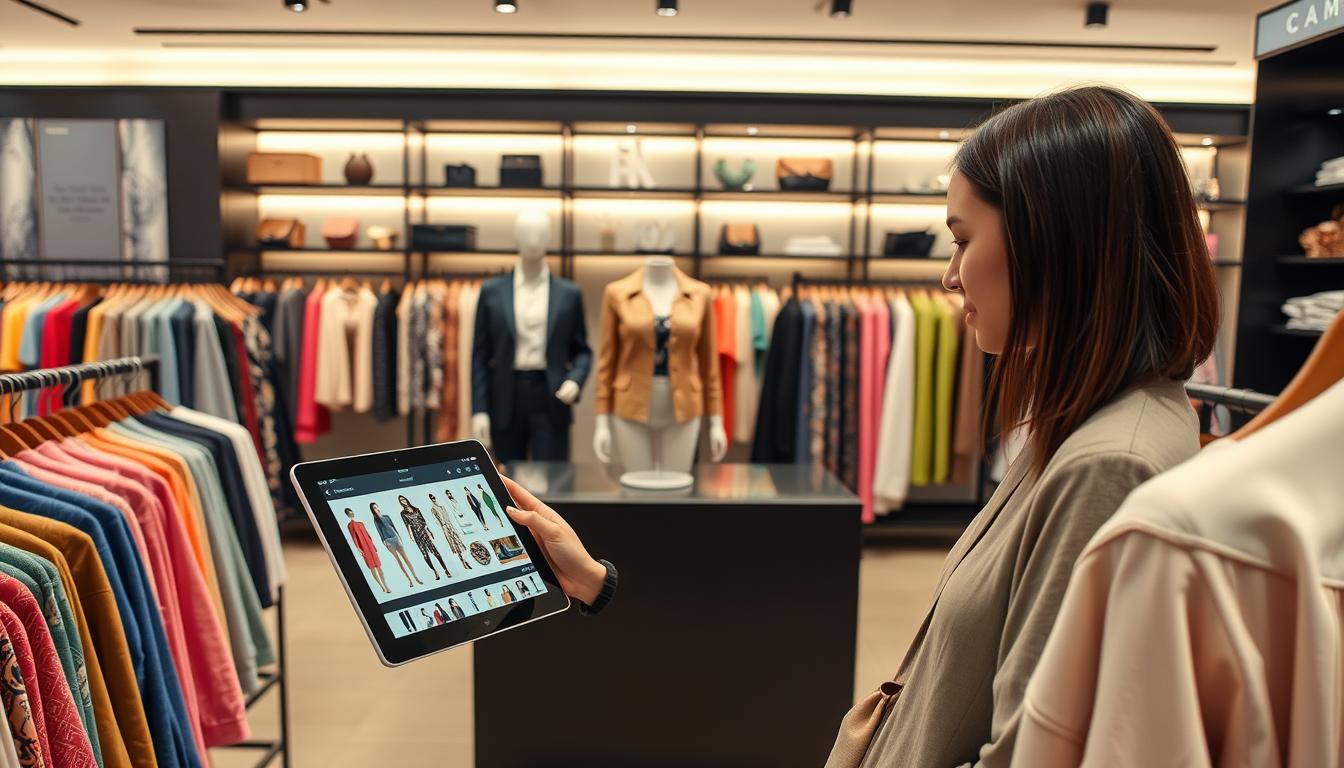
One-click shopper try-on via Shopify app or API
Install the Shopify app for quick rollout or use the API for programmatic control. Both paths enable one-click try-on on product pages and mobile.
Technology stack and model access for fashion photography needs
Access to Gemini and Seedream plus proprietary Drape tech helps preserve fabric drape and fit. That tech mix is tuned for realistic presentation and consistent generation across looks.
Batch and enterprise workflows
CSV uploads and 10,000-item batch processing support large catalogs. Real-time progress tracking and team credits/billing make the platform enterprise-ready.
Merchandising features that drive revenue
Complete Looks groups outfits to raise average order value. Insights track which products shoppers try most, helping prioritize inventory and creative spend.
Shopper profile layer and mobile try-on
Shoppers create verified profiles in the mobile app for one-click “Try On You” sessions. This lowers friction, boosts engagement, and can help lift sales while reducing returns via a Shopify sizing module.
| Capability | Merchant benefit | Best outcome |
|---|---|---|
| One-flat-lay generation | Faster image production | Publish-ready photos |
| Shopify app / API | Flexible deployment | Quick rollout or custom integration |
| Gemini, Seedream, Drape | Better fabric realism | Consistent on-screen fit |
| CSV & 10k batch | Scale catalogs efficiently | Large SKU coverage |
| Complete Looks & Insights | Merchandising intelligence | Higher AOV and engagement |
AI virtual clothing model results that matter for fashion e-commerce
Shopper confidence rises when product photos show believable drape and scale. Good results mean higher purchase confidence, less hesitation, and more completed checkouts.
How realistic outputs impact customer experience and purchase confidence
Realism is about fit, lighting, and fabric detail that match expectations. When those cues are accurate, customers trust the page and act faster.
Believable visuals reduce cognitive friction. That improves the overall shopping experience and supports stronger conversion on PDPs.
Where try-on can influence returns and sizing friction
Interactive try-on and sizing tools give shoppers a clearer sense of fit before they buy. This lowers sizing uncertainty and reduces post-purchase regret.
Platforms like Uwear.ai add a Shopify sizing module and Insights to track which items are tried most. Those features are designed to cut returns and improve assortment decisions.
Engagement signals to watch: tried-on products, time on page, and conversion
Track a small set of metrics after rollout to measure impact:
- Number of tried-on products per session
- Time on page for PDPs with try-on enabled
- Add-to-cart rate and conversion changes
- Return rate shifts by SKU and cohort
Measure by cohort — new vs returning customers and mobile vs desktop — to find where the tool drives the biggest lift. Pretty images are useful, but the goal is measurable engagement and lower returns that improve margin.
Workflow fit: choosing the right input method for your catalog images
Your catalog’s existing photos should drive which generation workflow you adopt first. Start by auditing what you already have: flat lay images, mannequin shots, or studio archives. That initial choice reduces rework and speeds rollout.
Flat lay pipelines for fast creation and easy scaling
Flat lays are the fastest way to scale. They need minimal staging, standard lighting, and consistent camera angles. Platforms like Uwear.ai emphasize one-flat-lay generation, which cuts production time and makes batch jobs predictable.
Mannequin-based photography for consistent fit visualization
Mannequin shoots give repeatable fit cues. Stable camera placement and uniform drape help systems preserve shape and seams. This approach is a good compromise when you need consistent PDP images across many SKUs.
Model-photo adaptation for brands with existing studio assets
If your brand has a studio backlog, use model-photo adaptation. Pic Copilot and Modelia support replacing or refreshing studio images so creative direction stays intact while expanding looks.
Operational tips: keep file names consistent, lock camera angles, and deliver clean backgrounds. Pick the input method that minimizes edits and maximizes repeatability across products.
Customization and brand control for outfits, bodies, and backgrounds
Clear styling rules protect a brand’s visual identity across product images. Define what may change (hair, accessories) and what must stay fixed (seam lines, logo placement). That keeps listings consistent and reduces review time.
Diversity and body representation
Building diversity across genders and body types
Choose a controlled set of fashion models that match your target customers. Pic Copilot and Modelia offer diverse selections so teams can pick genders and body shapes that fit brand positioning.
Limit variations to approved poses and proportions. This keeps new images aligned with existing creative and avoids unexpected silhouette shifts.
Keeping product details intact
Protect prints, patterns, and texture. Use “do not change” flags for logos, hems, and fabric grain during generation. Uwear.ai’s drape tech and product constraints help preserve visual cues that shoppers rely on.
Validate outputs by checking hemline accuracy, seam placement, and print scale against the source photo.
Background and studio consistency for PDPs and marketplaces
Standardize backdrops, lighting references, and shadow rules. Consistent backgrounds help meet marketplace specs and make mixed real/generated assets look professional.
Use approved backdrops and a short SOP to guide photographers and editors. That cuts rework and ensures brand continuity.
| Control area | What to lock | Why it matters | Example tool support |
|---|---|---|---|
| Silhouette & fit | Seams, hems, waistline | Prevents misrepresented cuts | Modelia: pose presets |
| Body diversity | Height, shape range | Matches audience and reduces bias | Pic Copilot: selection panels |
| Product detail | Print scale, logos, texture | Maintains buyer trust | Uwear.ai: drape & constraint flags |
| Backgrounds | Backdrop color, shadow depth | Marketplace compliance & cohesion | All platforms: preset backdrops |
Evaluation checklist for brand fit: silhouette fidelity, hemline accuracy, and whether styling alters the perceived cut. Tie consistent looks into merchandising to boost cross-sell and make catalogs easier to shop.
Speed, costs, and production scaling compared to photoshoots
When image production drops from days to seconds, merchants can treat visuals like live inventory. That shift cuts coordination and long retouch cycles from your launch calendar.
What changes in practice:
- Traditional photoshoots need booking, studio time, and retouching. Those add both direct costs and hidden delays.
- Automated generation compresses those steps into minutes or, in some cases, seconds for a first image. Uwear.ai reports first-image creation in about five seconds.
Cost drivers that shrink: repeated talent bookings, studio rent, post-production labor, and reshoots for minor variants. Removing these lowers per-SKU costs and speeds up rollouts.
What “seconds-to-generate” does to launch timelines
Faster outputs mean new SKUs can go live the same day. Restock photos and ad creative updates happen in hours, not weeks.
Replacing repetitive shoots with repeatable visuals
Repeatable generation enforces consistent presentation across products. That reduces manual fixes and keeps PDPs uniform.
Scaling to thousands of SKUs with batch tools
Enterprise features matter for catalogs. Look for CSV/ spreadsheet control, real-time progress tracking, and large batch limits.
Example: a 10,000-item batch flow with progress updates lets teams ship at scale while monitoring quality.
Governance tip: standardize inputs and enforce QC rules. Scaling only pays off if your photo inputs, naming, and review gates are strict and repeatable.
Integrations and deployment for online stores, apps, and teams
Integration choices shape speed, control, and who reviews final assets. A Shopify-first rollout is fast: install the app, map product fields, and push generated images directly to product records. That path is ideal for merchants who want quick wins and a predictable store workflow.
For deeper customization, use the API. Programmatic workflows let engineering teams trigger image and video generation when new SKUs appear, resize outputs, and sync assets back to CMS or PIM systems. Uwear.ai and Modelia both support Shopify apps and API calls for queued, automated jobs.
How “Try On” buttons fit the product page
Place the Try On button near size selection so it aids decision-making without stealing attention from add-to-cart. Make it subtle and optional, with clear exit paths back to the variant selector.
API workflows for programmatic image and video generation
Typical API flows: webhook on new SKU → send source photo → generate images and videos → receive assets → attach to product record. This supports batch jobs, scheduled refreshes, and on-demand creative for promotions.
Collaboration and permissions for agencies and in-house teams
Define roles: creators can request generation, editors approve outputs, and publishers push to live. Modelia highlights built-in collaboration; Uwear.ai supports enterprise billing and credits for multiple clients.
Where to use the outputs
Use product detail page images for conversion, ads for acquisition testing, social reels for reach, and marketplace listings for consistent merchandising. Pic Copilot’s short-form videos (Fashion Reels) reduce editing for social campaigns and marketing teams focused on quick content cycles.
Governance checklist: enforce naming conventions, version control, and a QC checklist before publishing to any store or marketplace.
How to pick the best tool for your products, customers, and goals
Pick a platform by mapping goals — speed, creative range, or shopper engagement. That simple lens keeps selection practical and tied to business outcomes instead of vendor hype.
Best fit for fast on-model images from flat lays
Uwear.ai and Modelia excel when flat lays are your primary input. They deliver rapid outputs and batch flows so catalogs publish faster with minimal retouch.
Best fit for model swap and creative asset expansion
Pic Copilot — plus Modelia’s model‑to‑model mode — suits teams that need varied looks and one‑click replacements while preserving drape, lighting, and camera angle for campaign-ready assets.
Best fit for merchant-grade virtual try-on and shopper engagement insights
Uwear.ai stands out for storefront try-on, shopper profiles, and merchandising analytics that link creative changes to engagement and sales.
Decision checklist for testing
- Pick 10–20 representative SKUs across fabrics and prints.
- Define success: detail retention, realism, and conversion lift.
- Run a limited rollout and measure engagement, add-to-cart, and returns.
- Operational questions: what input assets exist, which integrations matter, who approves outputs, and how will you measure success?
Choose the tool that reduces buyer friction and scales the quickest for your customers — that’s the clearest path to higher sales.
Conclusion
For merchants, the key question is which workflow maps best to existing catalog photos and launch needs.
In short: these fashion image technologies deliver publish-ready visuals that reduce studio overhead and speed e-commerce workflows. Choose by input type and the outputs you need — flat lays, mannequin photos, or existing studio shots.
Tool fit: Modelia suits marketer-friendly, no-code image flows; Pic Copilot excels at realistic try-on, swaps, and enhancement plus short video; Uwear.ai focuses on fast flat-lay generation, shopper try-on, and enterprise scaling with insights.
Before rollout, validate fit and drape, preserve clothing details, and check consistency across repeated generations. Start with a small batch of product photos, compare side‑by‑side, and publish only assets that meet your brand standards.
Decide where visuals will live (PDP, ads, social), set review gates, and measure against KPIs. Run a pilot, evaluate results, and thanks for reading — contact the vendors or run a short test to see which path fits your team.